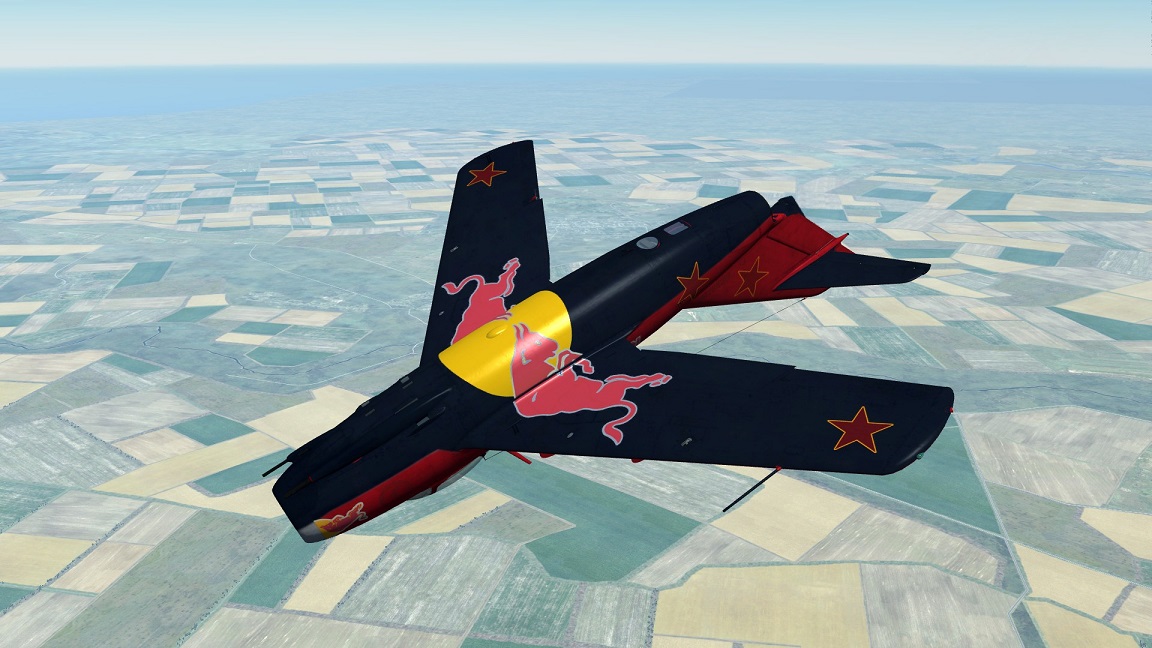
To install, unzip and place the folder in 'DCS world OpenBeta' (or Alpha) CoreMods, aircraft, MiG-15bis, Liveries, MiG-15bis. Select 'USA' in the mission editor. Then the 'JACKDAWS - REDBULL' skin will appear in the drop down box.
This will replace the pilot blue suit to an Olive color.
I changed the suit color and put a little bit on the gloves too.
Also I modified the pilot boot for more darker I guess it will look better than the original.
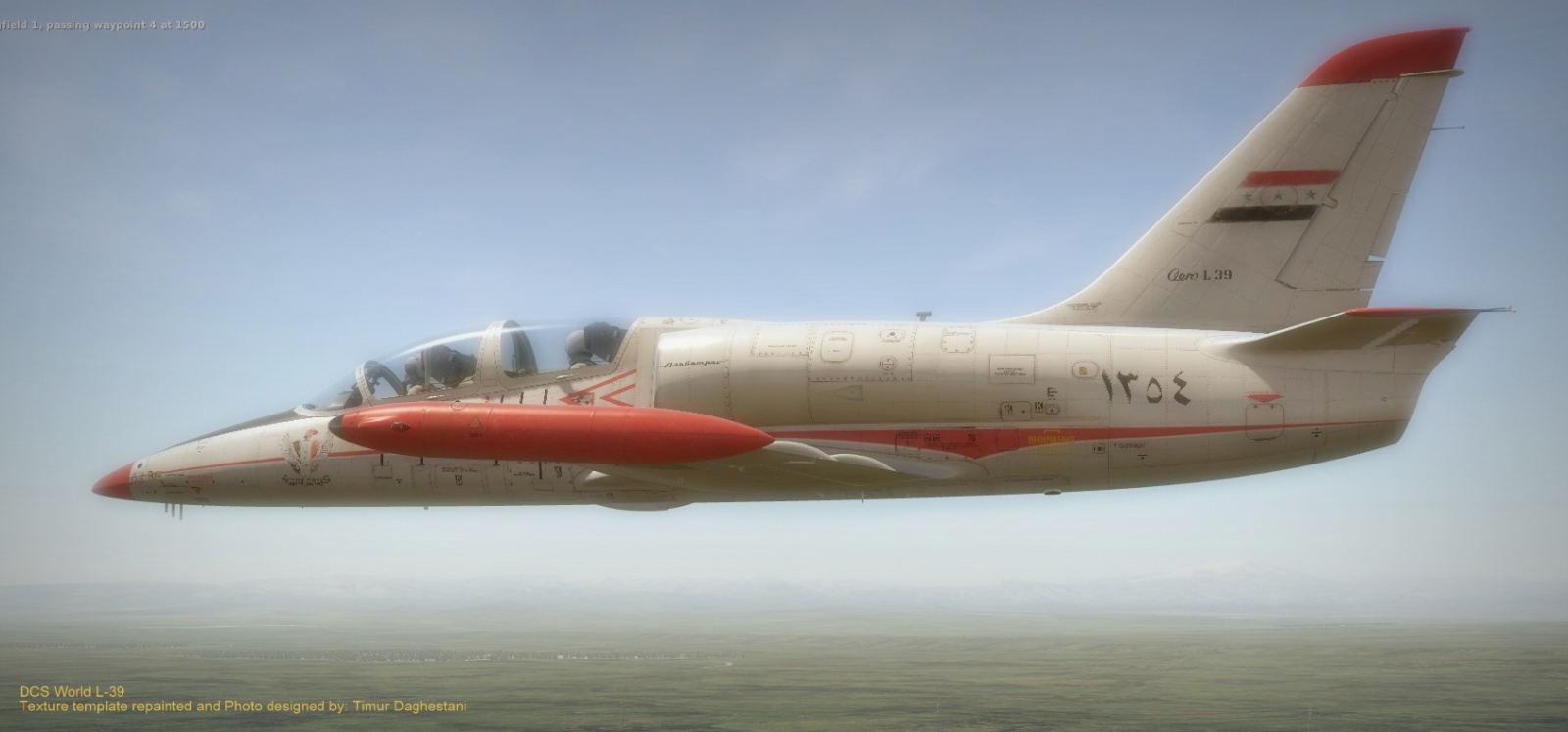
NOTE: This for the L-39C pilot inside the cockpit not the exterior.
installation
1- Extract these two DDS Files on your Desktop:
pilot_L39_FP1 & pilot_L39_FP1.
2- For Windows7 Users: Go to: C/Program Files/Eagle Dynamics/DCS World OpenBeta/Mods/Aircraft/L-39C-Textures.
3- Cut the Winrar file (Textures) then paste it on your desktop.
4- Open (Don't extract) the winrar file that you'd just pasted.
5- Inside that winrar you will see almost in the bottom these two files: pilot_L39_FP1 & pilot_L39_FP1. Extract them to a safe spot in your PC as a backup.
Now Delete these two files from your winrar.
6- Slide the two files that you downloaded into the *Textures* winrar, and chose *Best* for better quality.
7- Now put the Textures winrar back to it's original folder
Wir verwenden Cookies, um Ihnen ein besseres Erlebnis auf unserer Webseite zu bieten. Wenn Sie auf der Webseite weitersurfen, stimmen Sie der Verwendung von Cookies in Übereinstimmung mit unserer Cookie-Richtlinie zu.
Haben Sie einen Rechtschreibfehler gefunden? Markieren Sie diesen und drücken Strg+Enter.