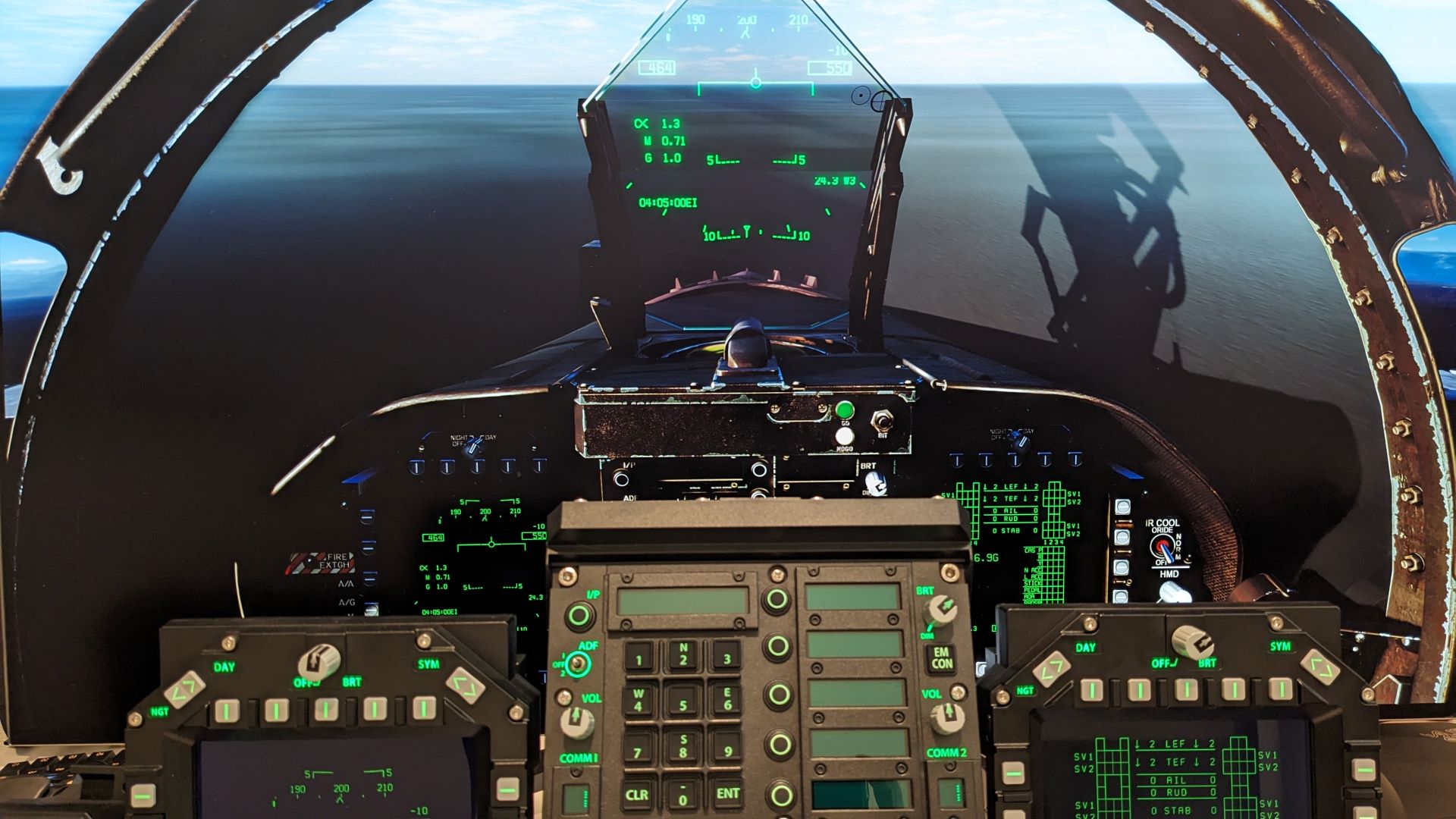
This simple script file keeps DCS as the active window.
Updated so that it is forward-backward compatible with versions of AutoHotKey.
This file is the solution to a problem I noted after installing the Buttkicker Pro and HaptiConnect software to my DCS setup. I had reported it in the 2.9 Game Performance forum as another solution to the "Not in Focus" window problem that the User File DCS VR Focus Guard helps address. This is a low overhead script (using AutoHotKey) to check every 200 milliseconds (0.2 seconds) to see if the DCS (in its syntax, Digital Combat Simulator) window is the active window. If not, it makes it the active window.
Link to the forum post: https://forum.dcs.world/topic/340272-dcs-not-remaining-as-active-window/#comment-5351847
An update to this script adding dynamic graphics adjustment: https://forum.dcs.world/topic/345129-dynamic-adjustment-of-lodmult-setting-based-on-mirrors-position-in-cockpit/#comment-5395889
You must download AutoHotKey (www.autohotkey.com, v2.0 and 1.1) for the script to work correctly; install v2.0 first and then 1.1 (which adds backward compatibility.)
Note: to exit the script, right-click the icon in the system tray icon area (far right) and sel ect exit or pause script. Pressing Ctrl & Space simultaneously will stop DCS fr om being the active window, so you can tab out, select another window, etc.
After exiting or pressing Ctrl & Space, you will want to re-run the script for it to keep DCS as the active window.
--
The script is:
#NoEnv
#SingleInstance Force
#UseHook
SetTitleMatchMode, 2
Loop
{
if GetKeyState("Control") && GetKeyState("Space")
break
WinActivate, Digital Combat Simulator
Sleep, 200 ; Adjust the sleep time (in milliseconds) as needed
}