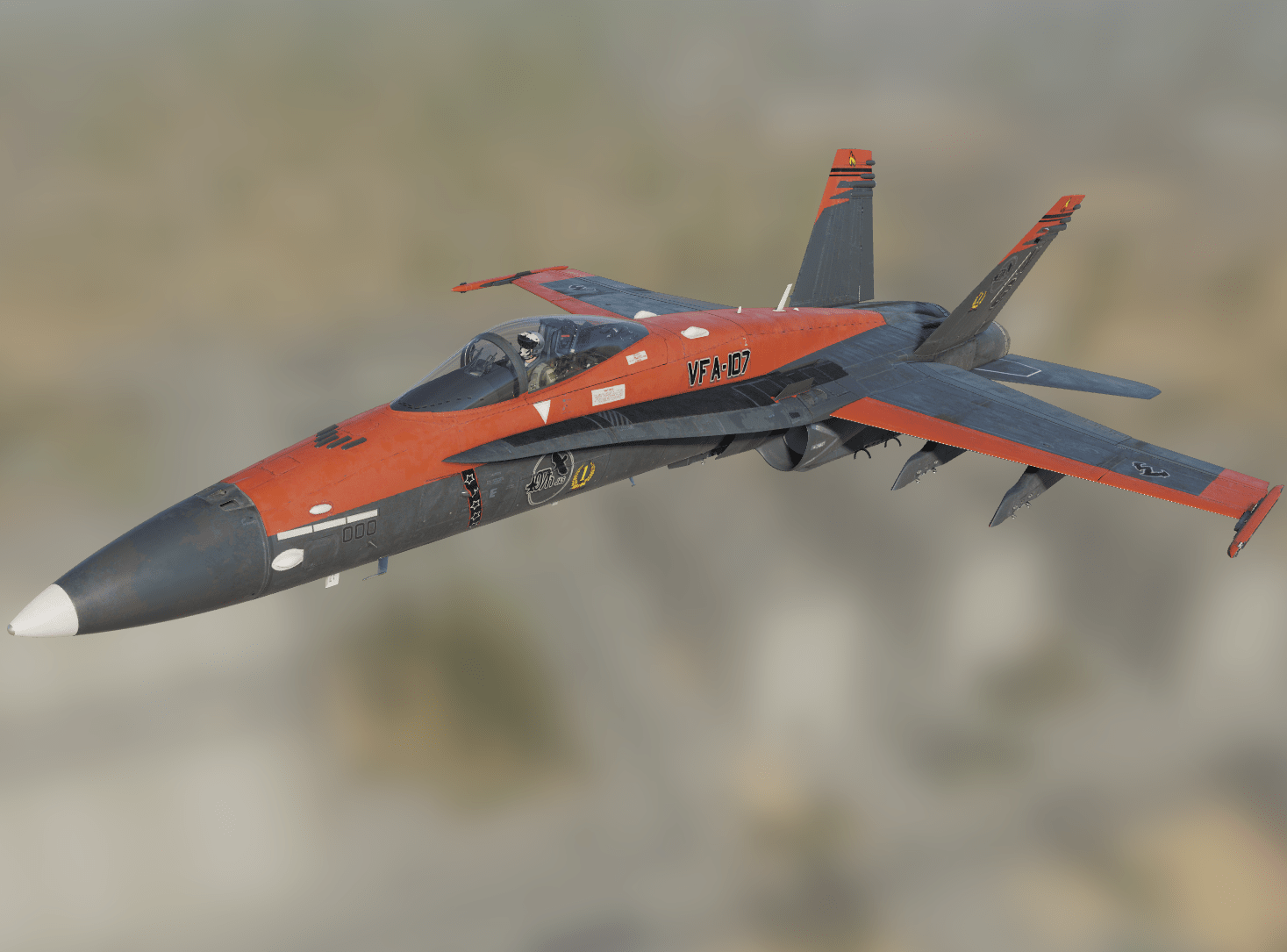
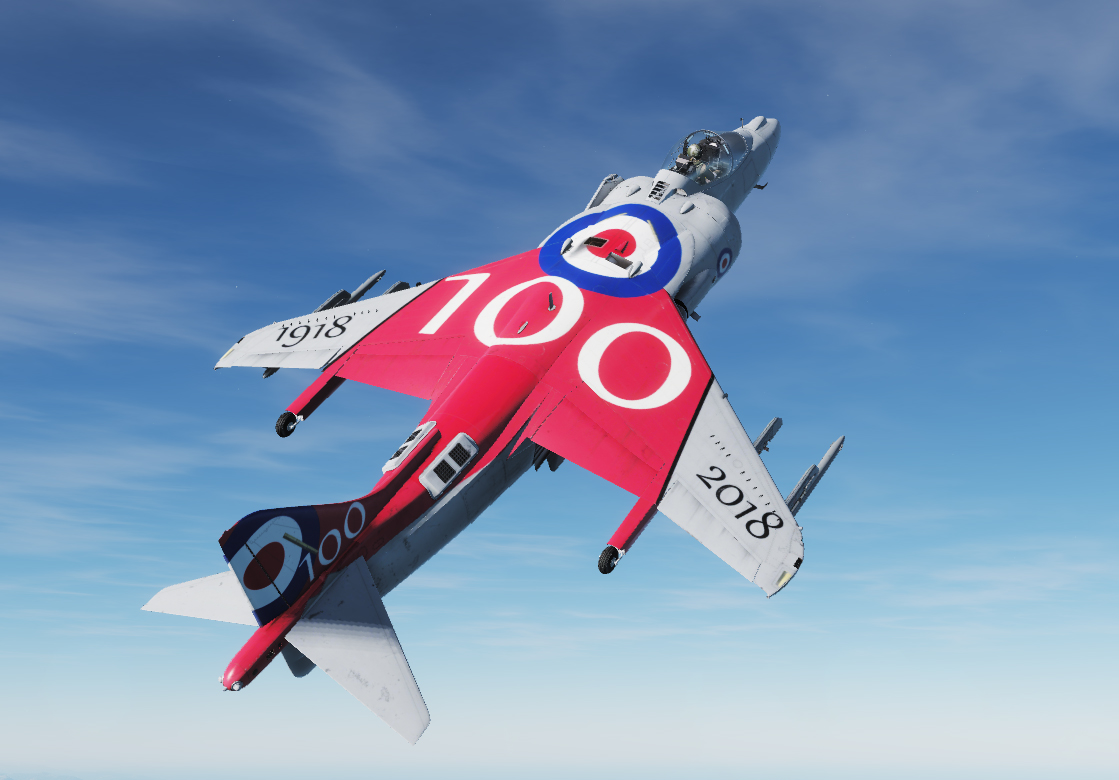
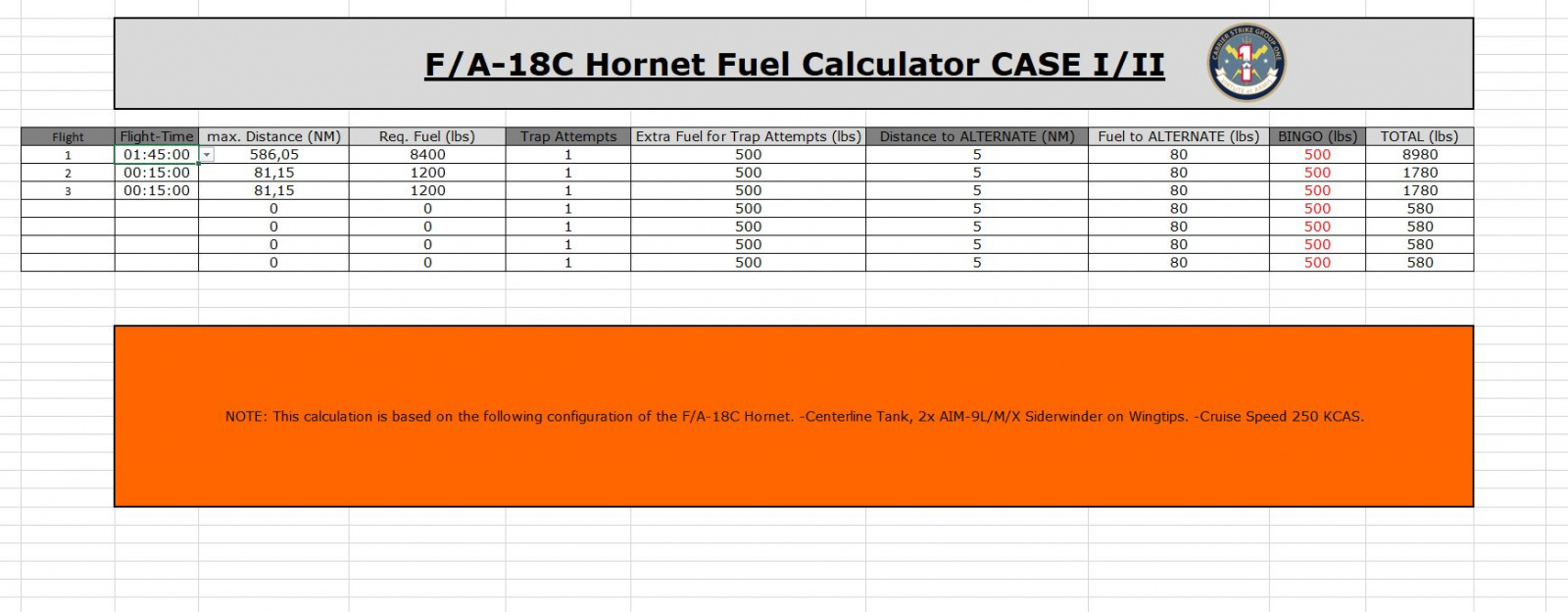
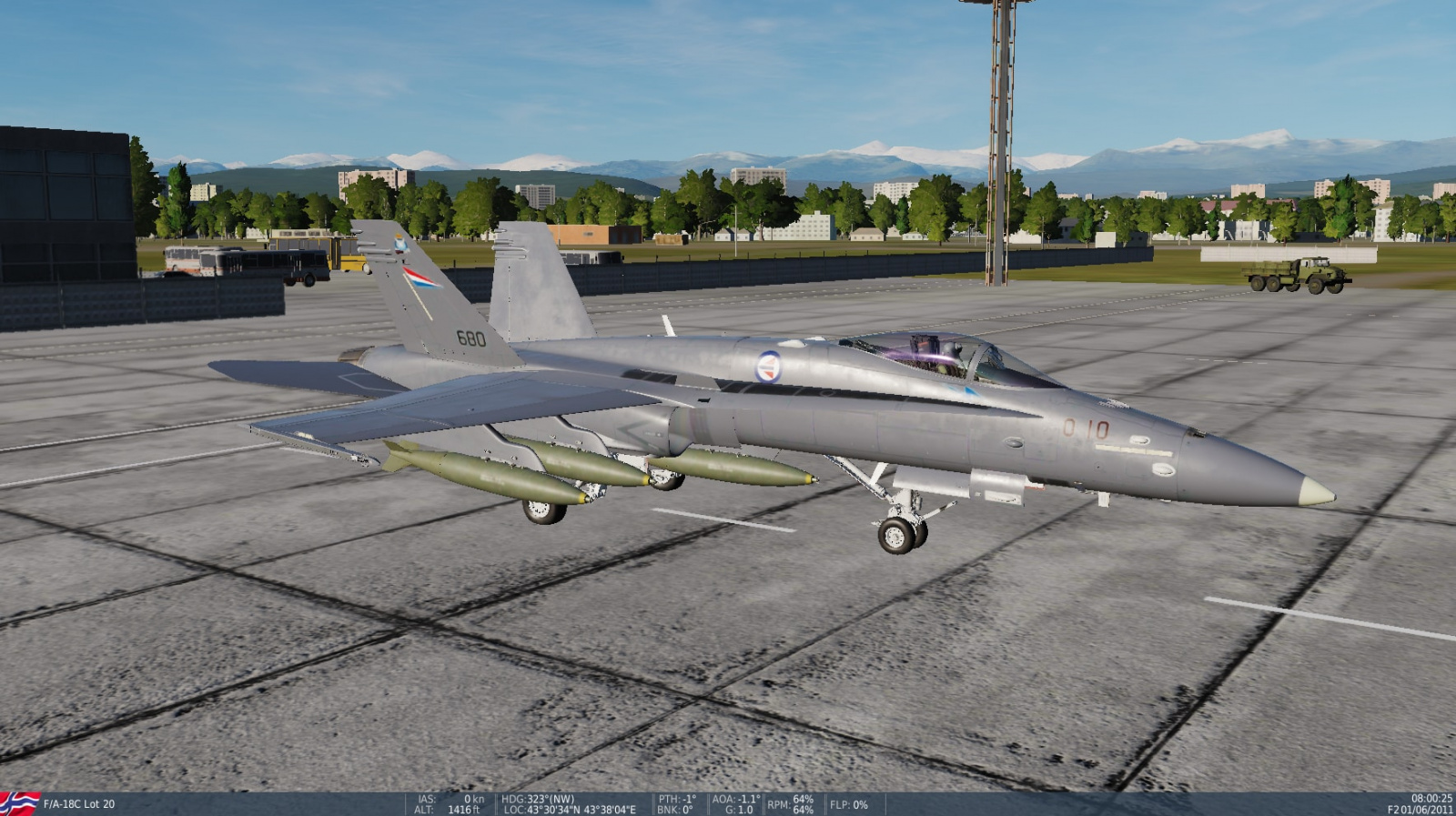
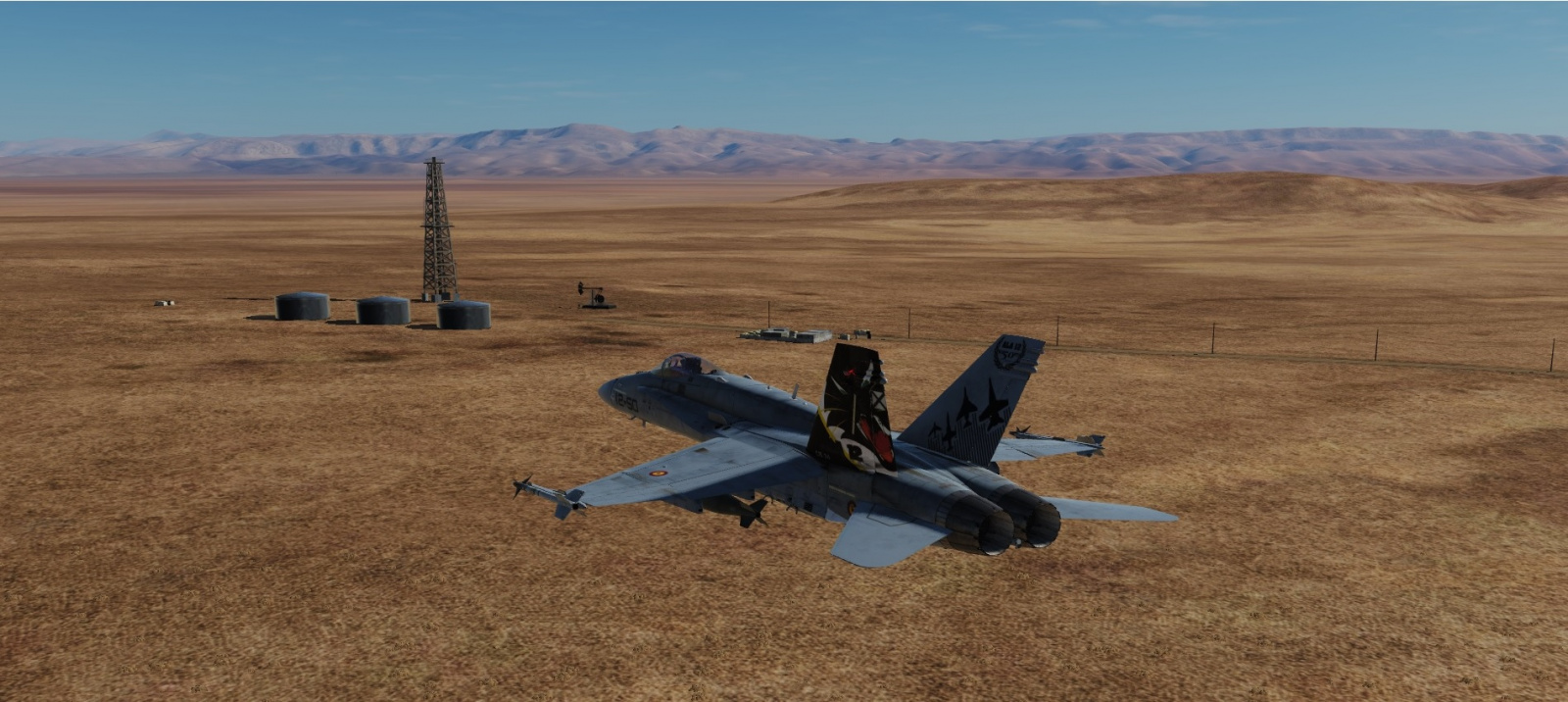
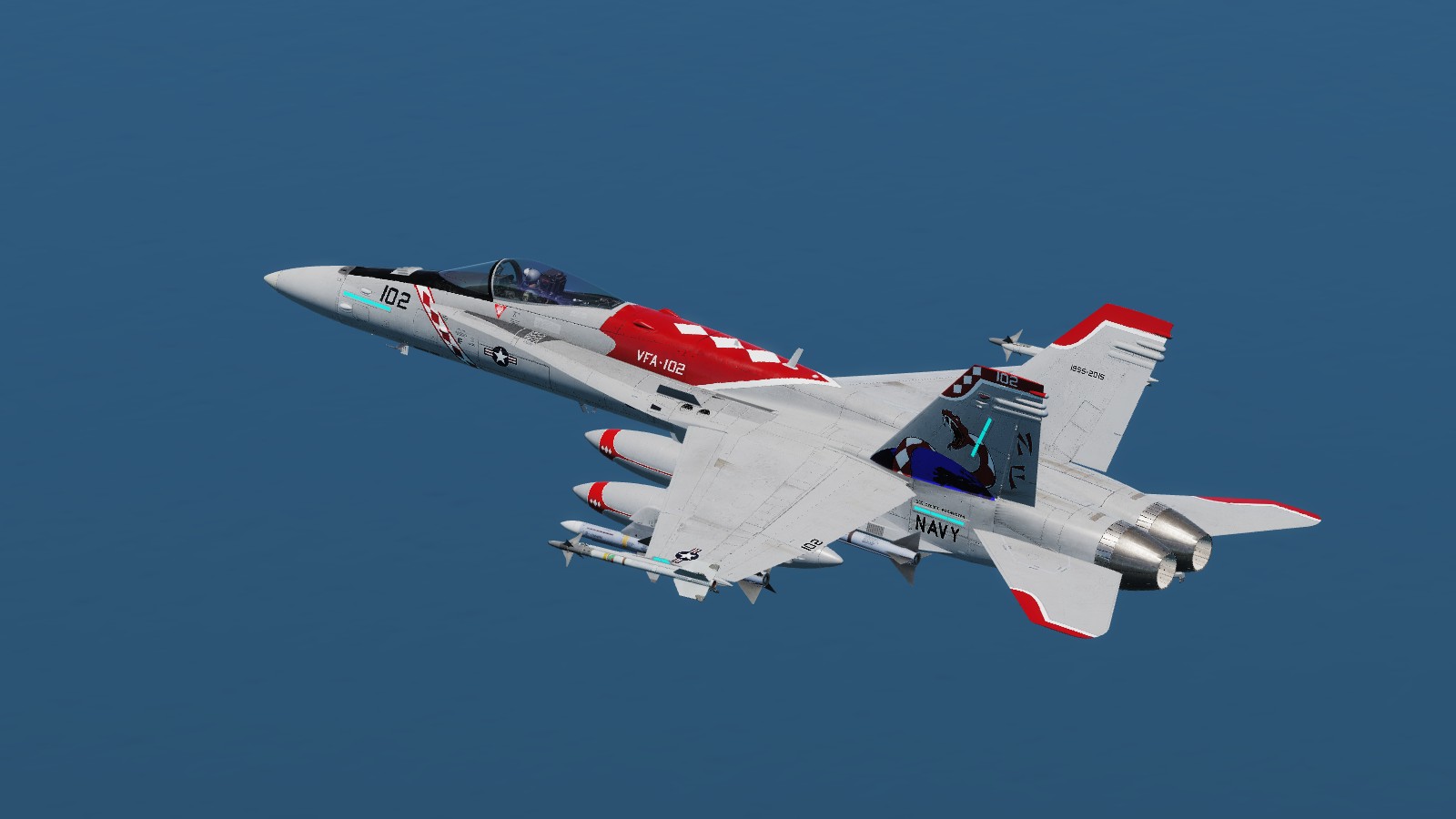
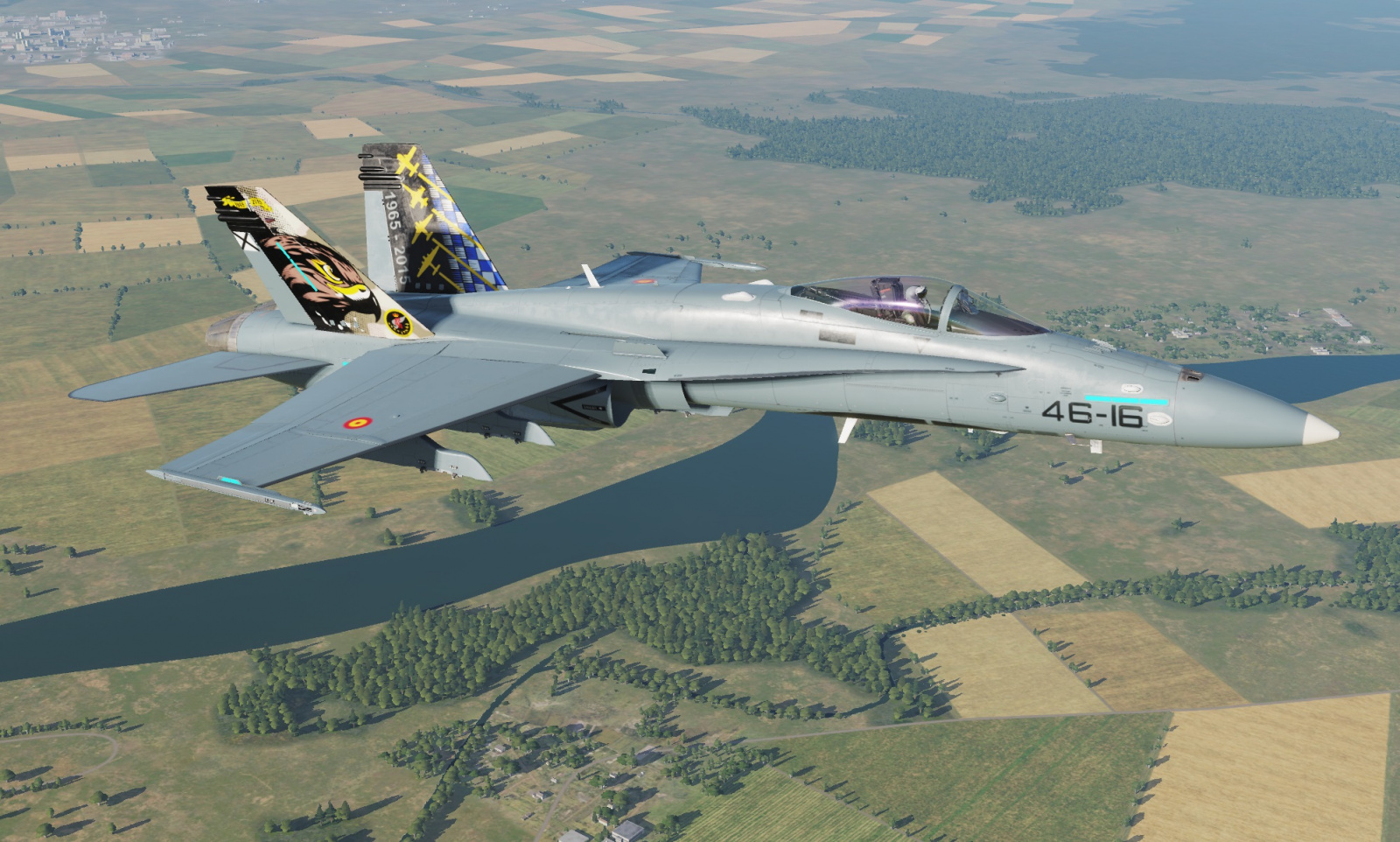
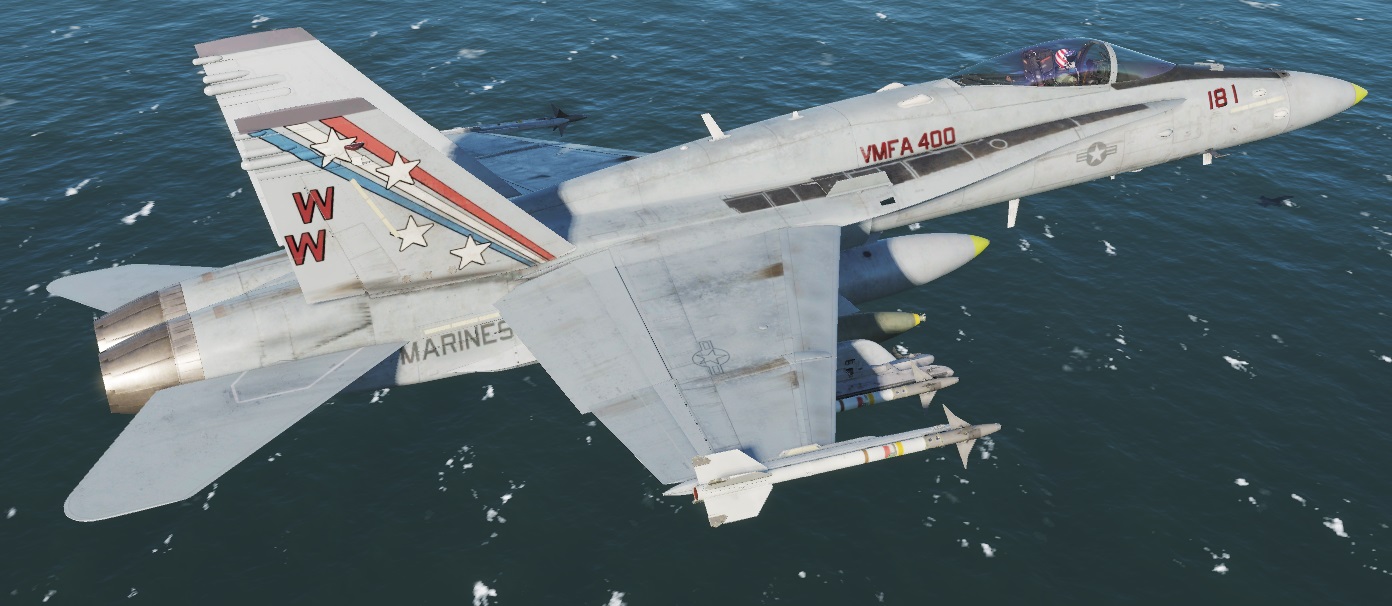
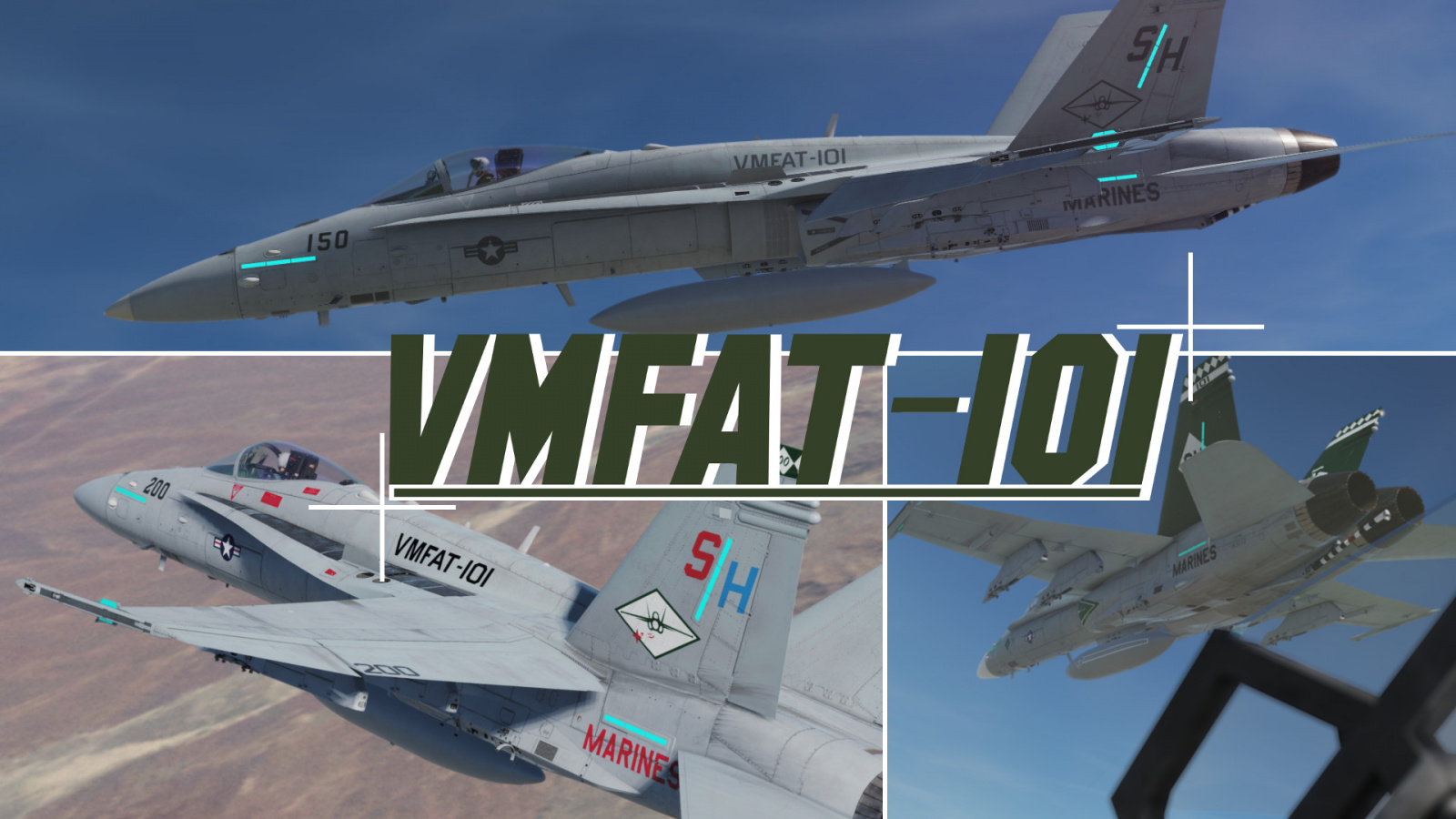
These are some of our awesome custom skins made for the 107th Joint Aviation Squadron (Fictional DCS Virtual Squadron)
I've decided to make some of these line variants and the anniversary skin public.
You'll be able to rock these skins in our public servers and all of our members will be able to see your skin.
You'll find these variants:
1 Year Anniversary
Line (107th JAS Dark Grey)
Line (USN Grey)
License: Freeware - Free version, Do Not Redistribute
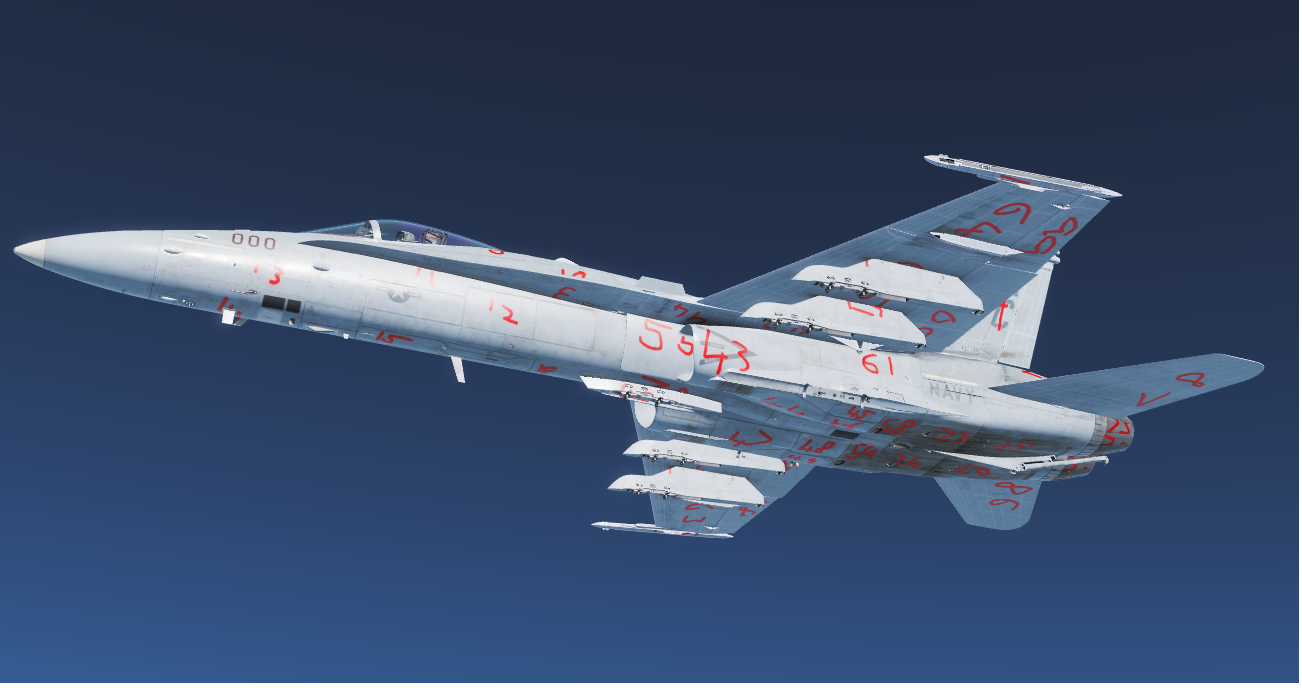
This is a file with each panel on the hornet numbered, to assist in making your own skins.
This file includes both the skin dds files, and the XCF files which I used to create it, so you can see where each number is on the flat packed file also. In order to use this skin in game or in the model viewer please take the inner-most "ID skin" folder and copy this to your liveries folder.
License: Freeware - Free version, Do Not Redistribute
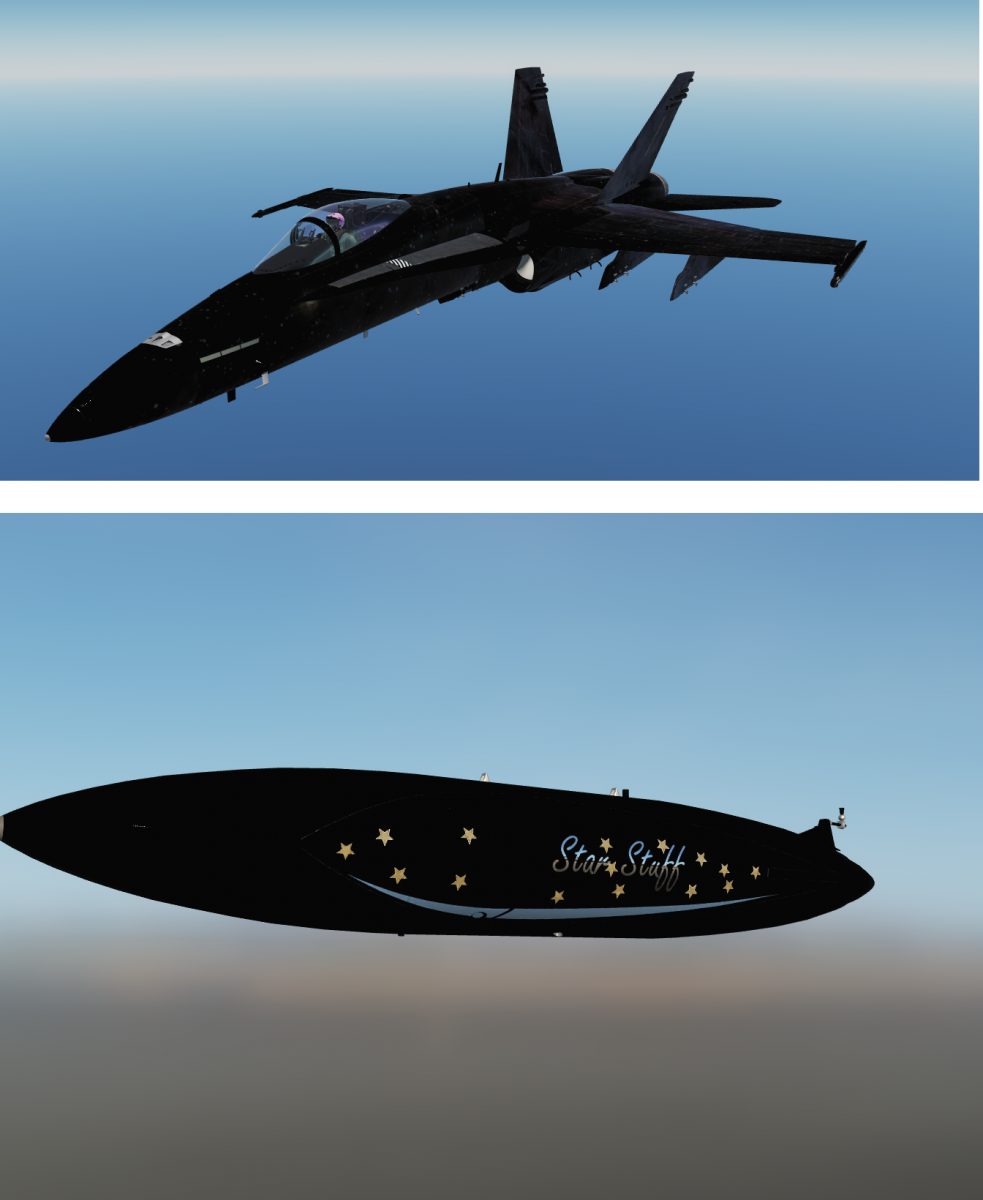
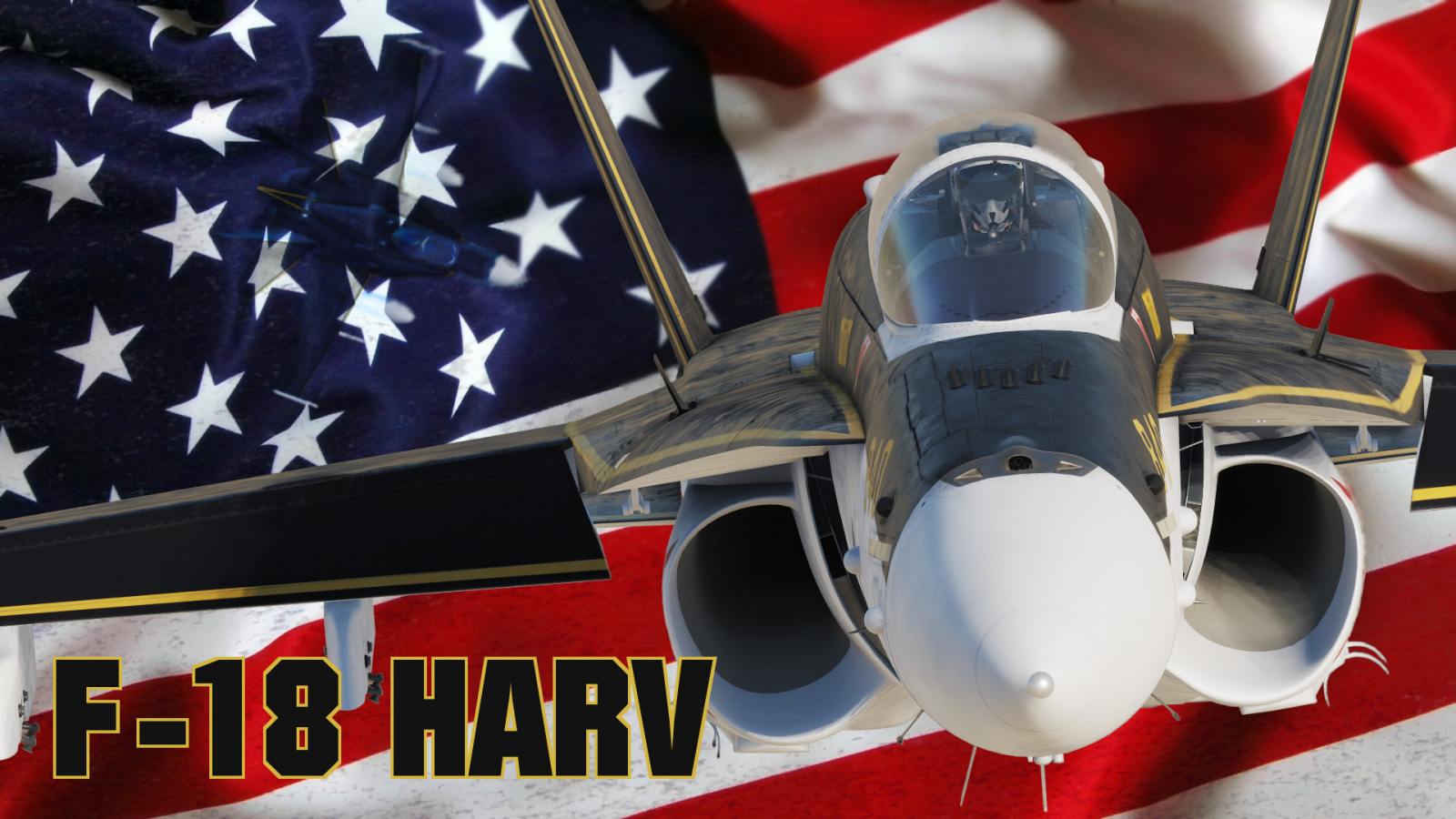
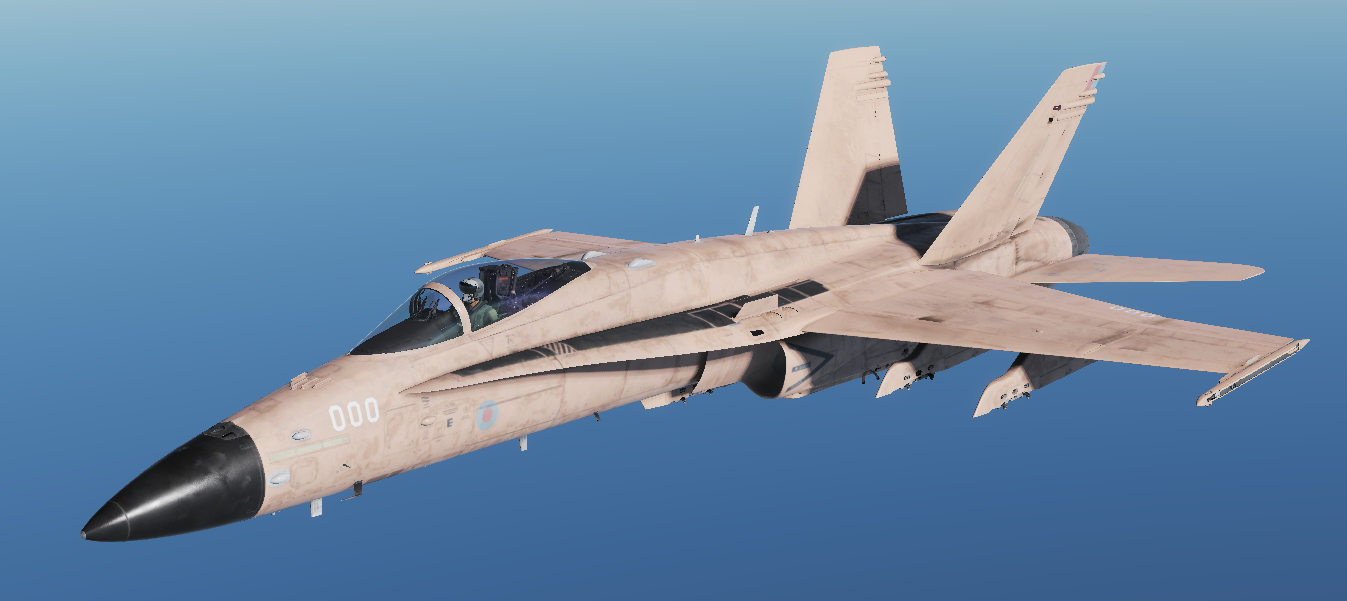
When playing around with the RoughMet layer I discovered some unusual effects, which inspired me to make thjis space-inspired hornet skin.
Please note that as this effectively relies on a glitch in how ambient occlusion works, appearance may vary depending on system specs, settings and game version
Happy flying!
License: Freeware - Free version, Do Not Redistribute
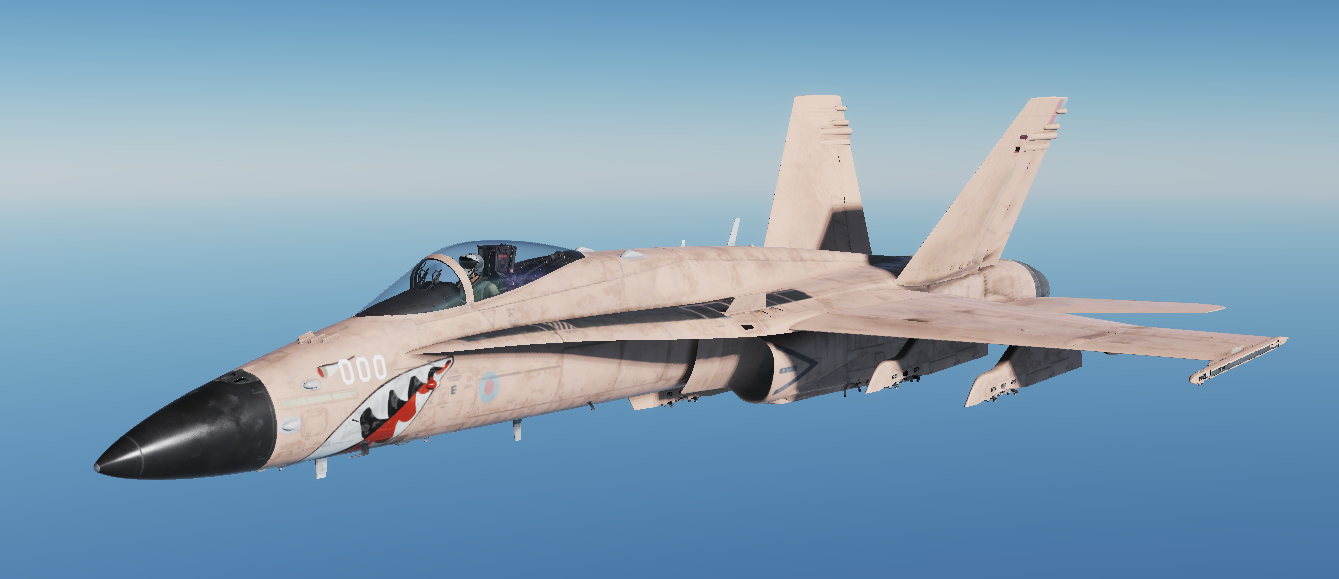
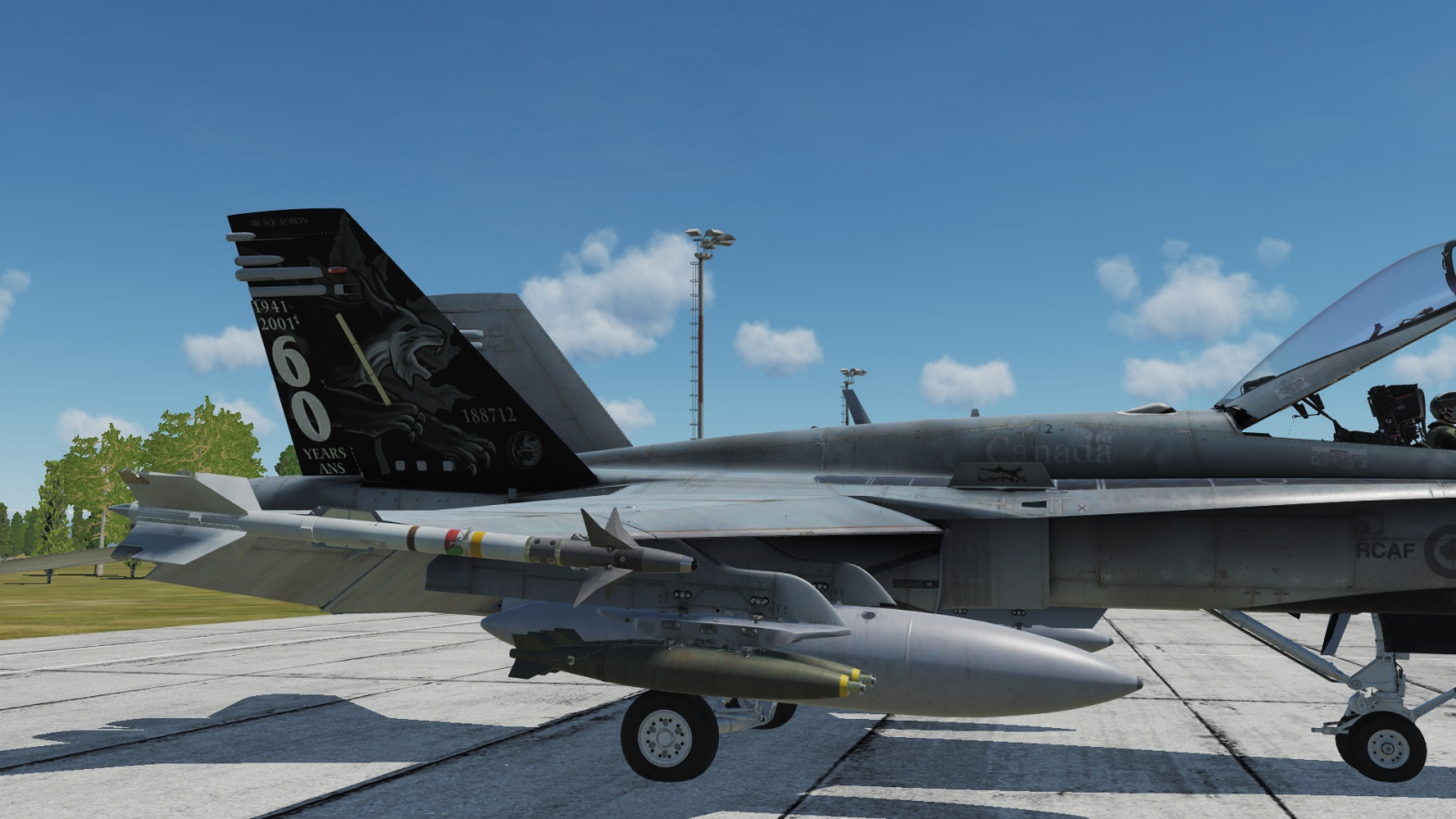
This is a package 1 jet for RCAF 416 TFS 60 Years Anniversary. Tail number: 712
This was created off of the already existing VSN CF-18 pack (publisher unknown) with heavy modifications and redone textures. Further credit goes to Cluster for creating the shoulder patches on the pilots
License: Freeware - Free version, Unlimited distribution
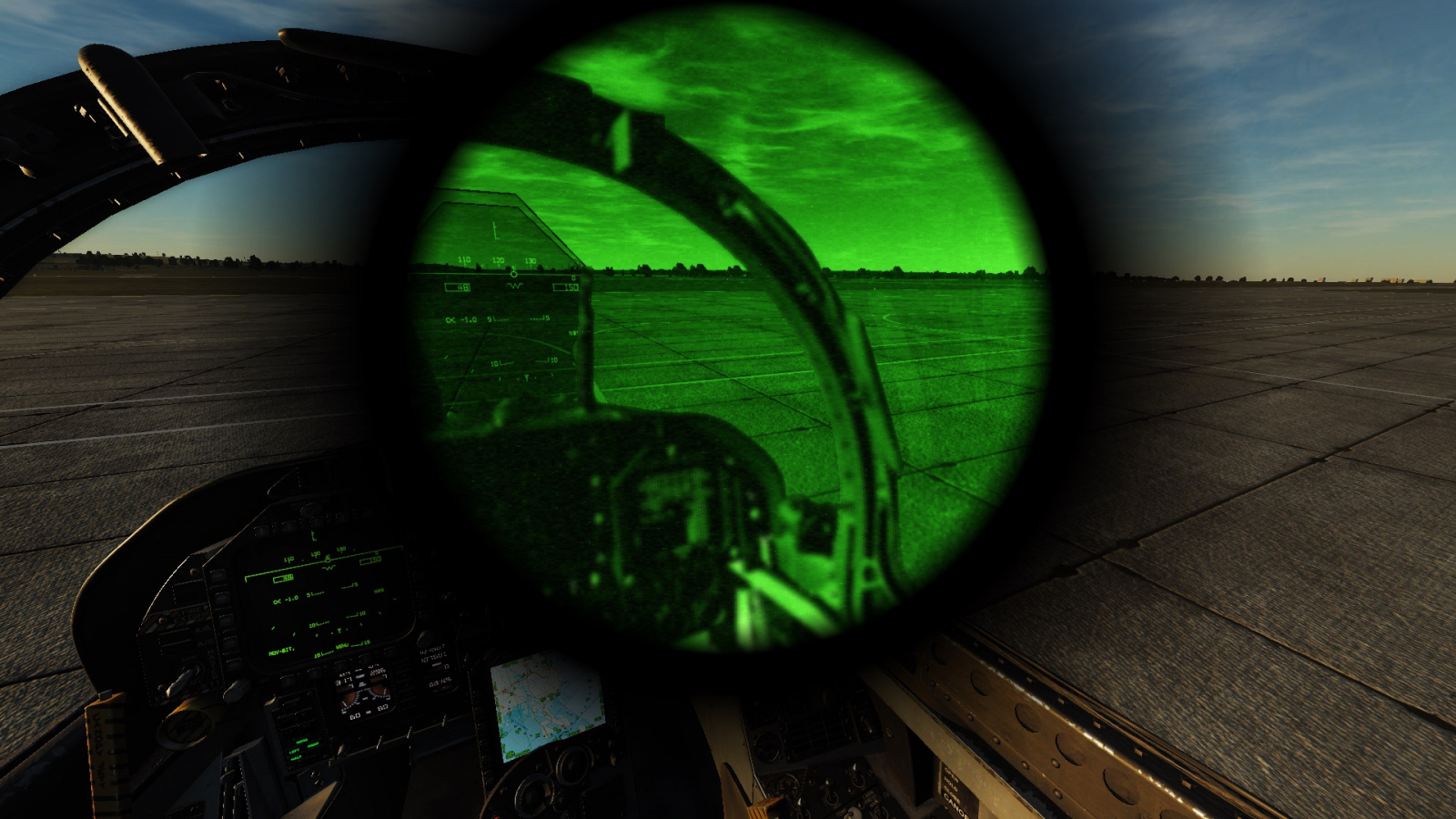
Simple .lua mod that enables NightVision in the F/A-18C Hornet. Works by using the A-10C's nightvision profile ported to the Hornet, keybinds must be set up under the command "Nightvision On" in the controls menu.
License: Freeware - Free version, Unlimited distribution
We use cookies to provide you with a better onsite experience. By continuing to browse the site you are agreeing to our use of cookies in accordance with our Cookie Policy.
Found a typo? Select it with your mouse and press Ctrl+Enter.