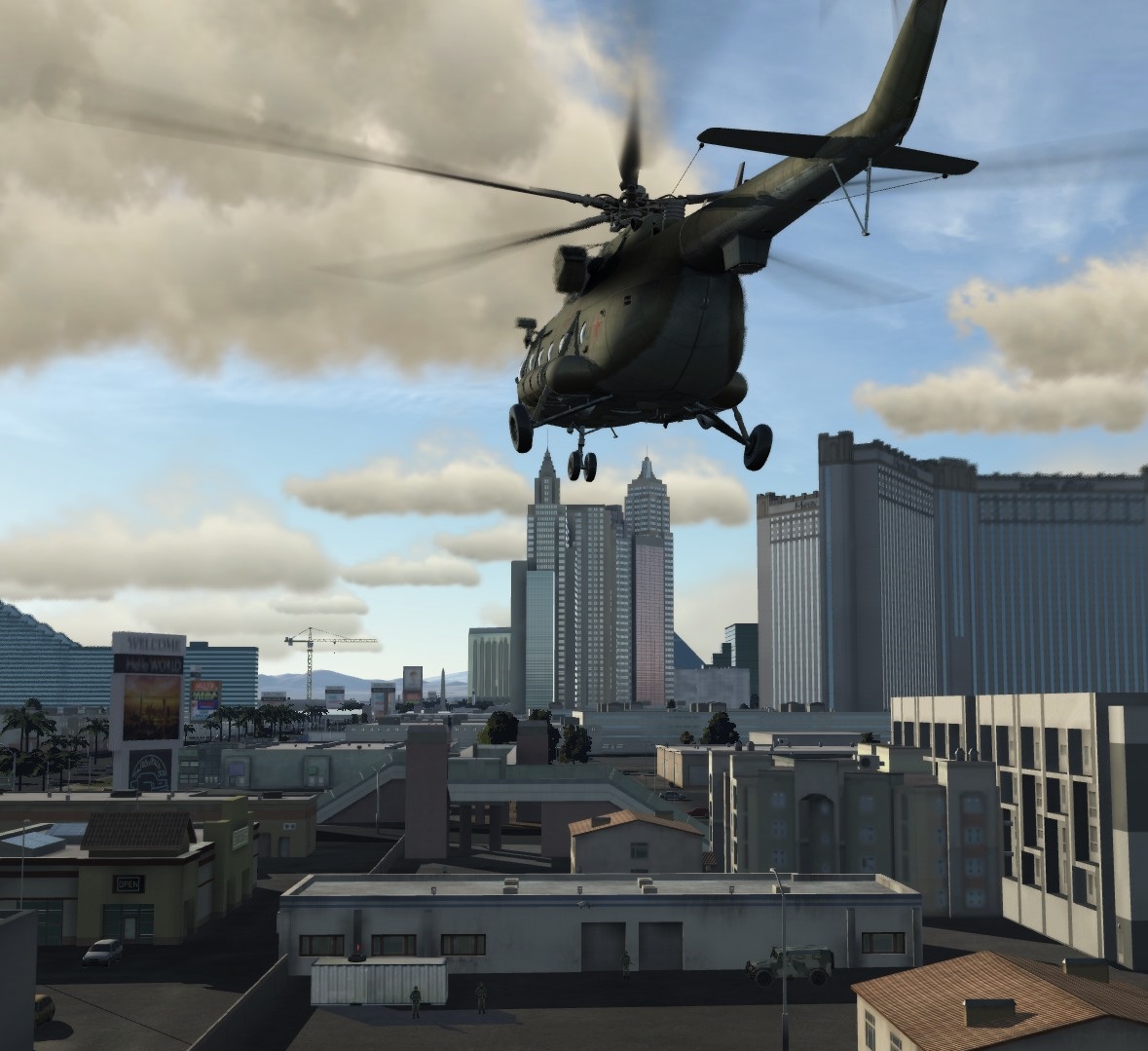
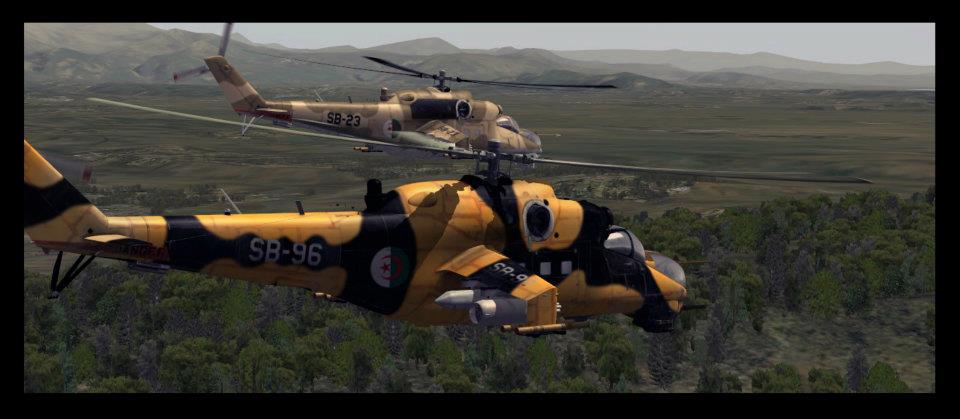
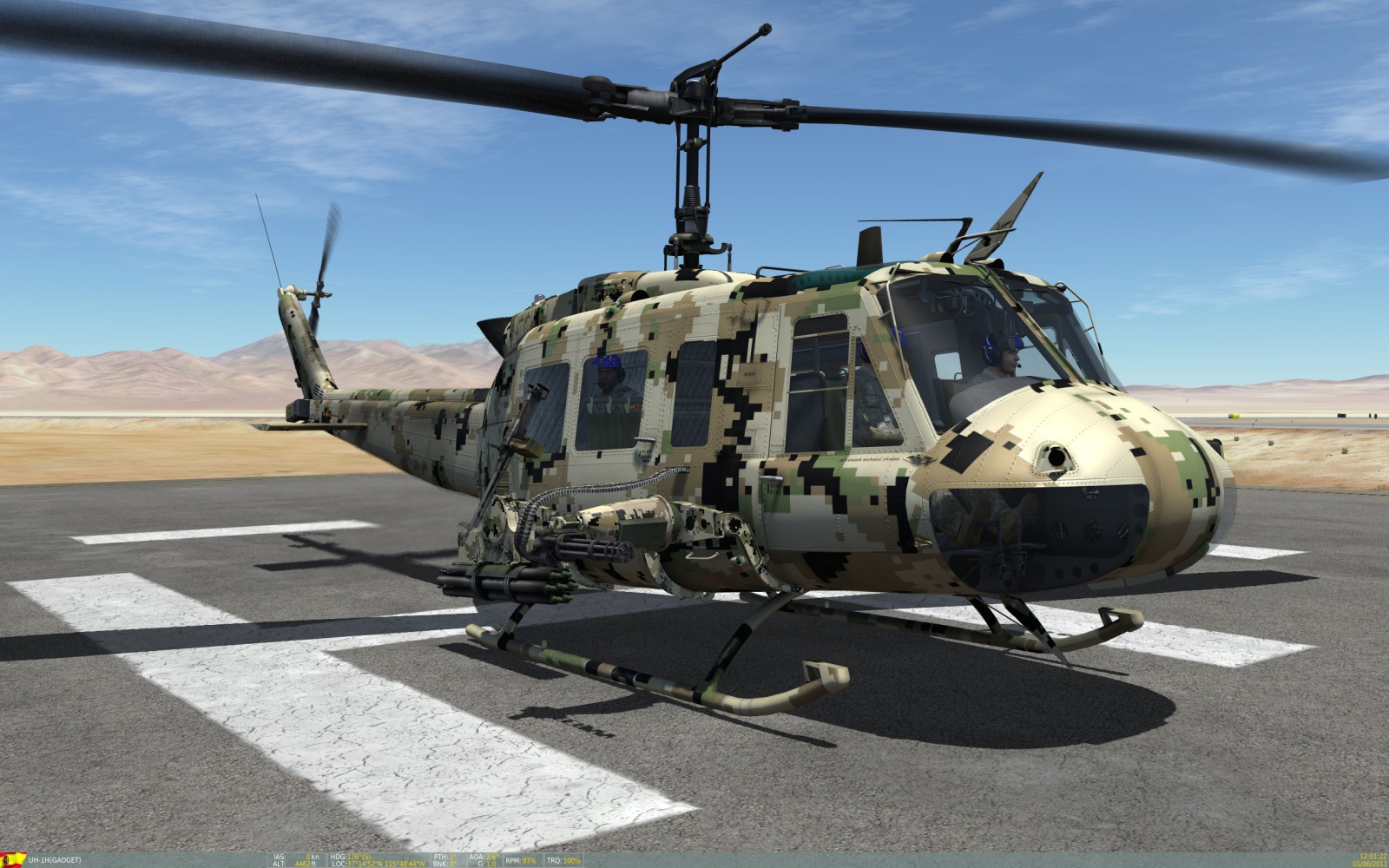
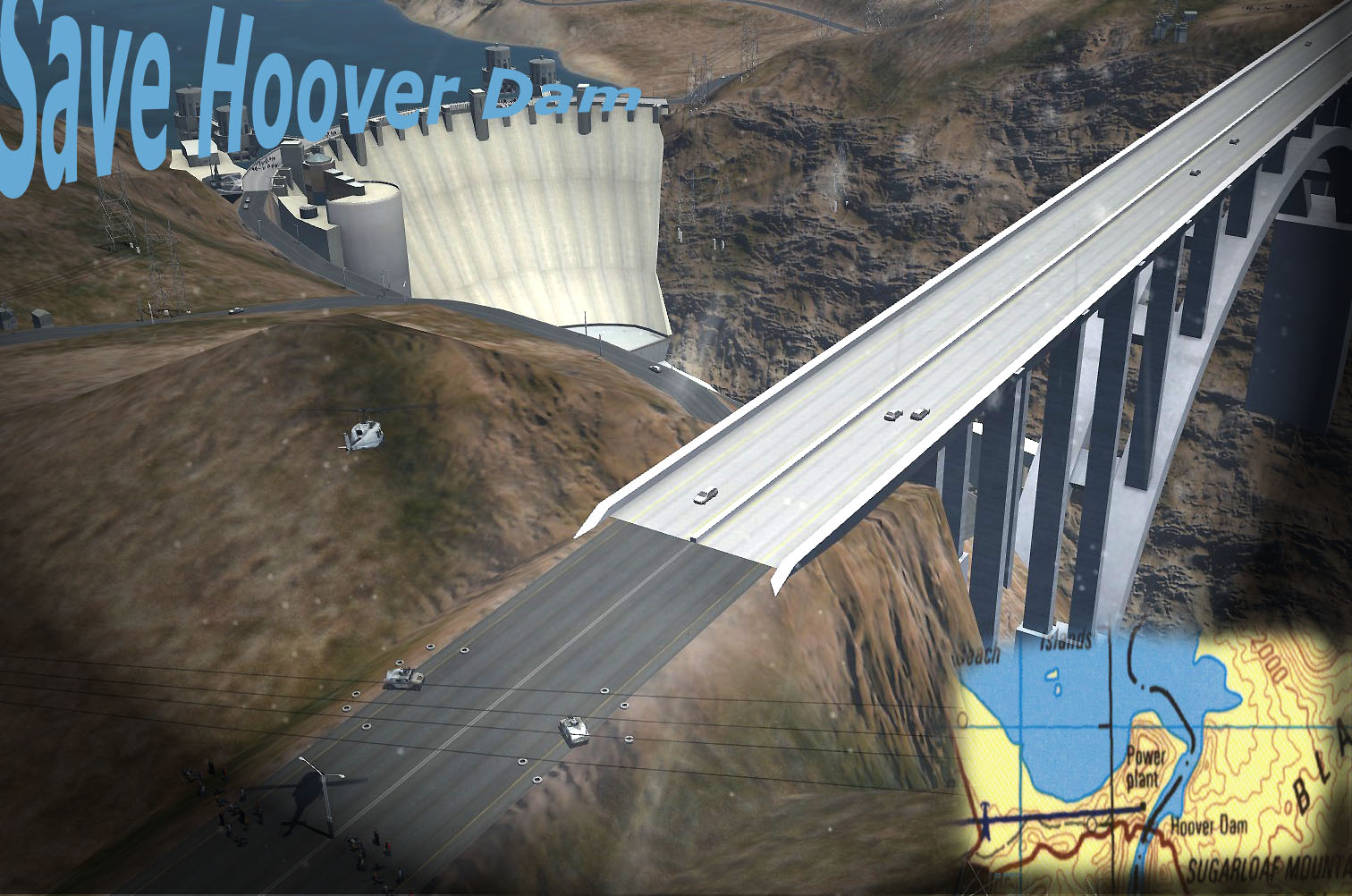
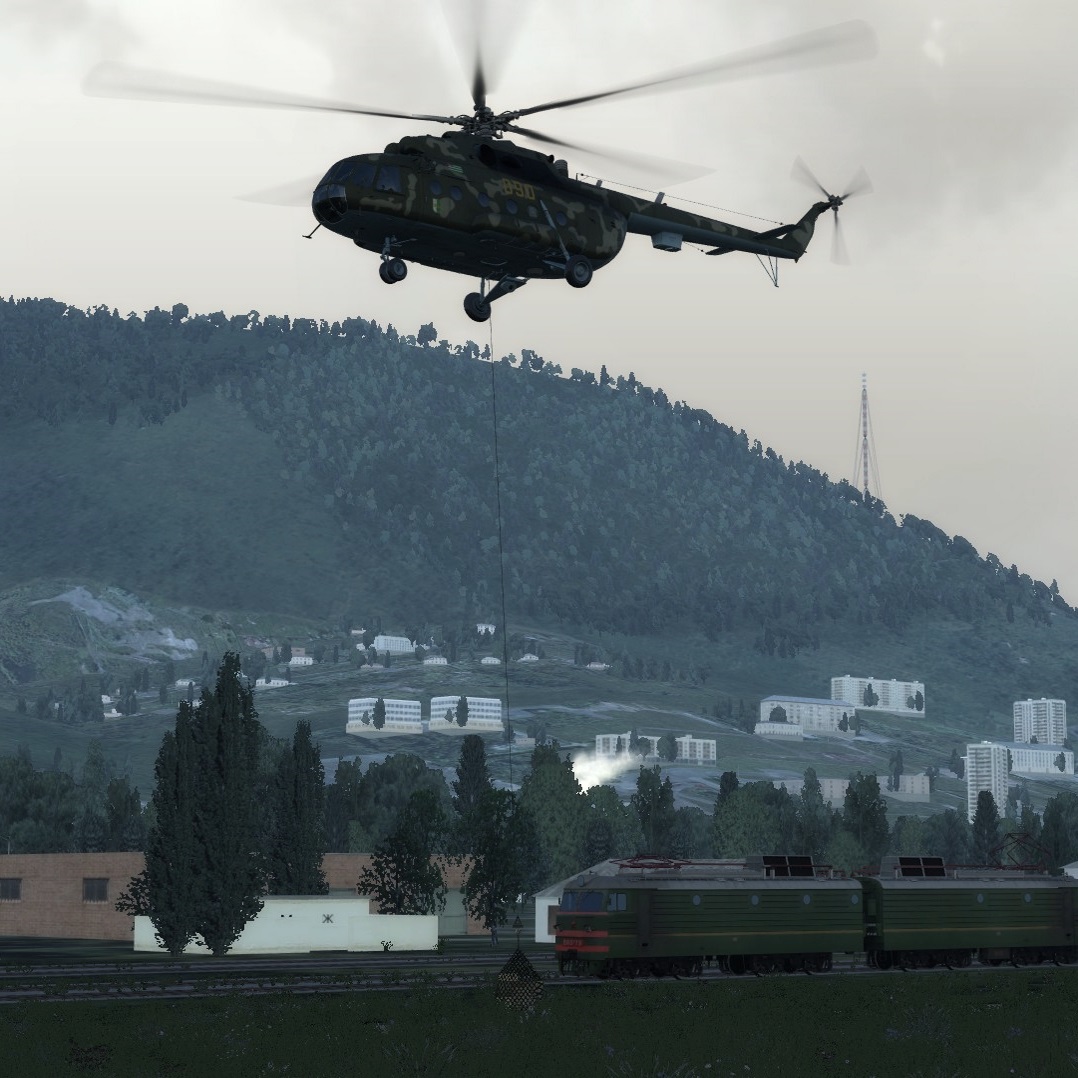
Red and blue forces are battling over control of Nevada. The current front line extends roughly north to south, going through a line half way between Creech AFB (red) and Nellis AFB (blue). Both sides rely heavily on helicopter forces, and to a more limited degree, on airpower. The air battle is largely fought by F-5E and Mig-21bis, with each side seeking air superiority.
THIS MISSION CAN BE PLAYED IN SP AND MP.
EDIT 3/16/2018: fixed R-828 homing frequencies
EDIT: 3/22/2018: - moved spawn zone of troops away from FARPS (now the FARPS can be captured) to three camp locations per side. - rescued troops can now be dropped off at airfields, FARPs and MASHs. This mitigates the problem of excessively long flight times.
License: Freeware - Free version, Unlimited distribution
Полчаса назад над городом был сбит наш транспортный самолет. По оперативным данным на востоке южнее озера Лас Вегас противник разместил ЗРК Хок. Необходимо срочно подавить. Для этой цели мы располагаем РСЗО Град, находящейся в восточной части города.
Above the town hit by our transport aircraft. Near Lake Las Vegas the opponent placed Hawk SAM. It is necessary to destroy enemy air defenses using Grad MLRS.
License: Freeware - Free version, Unlimited distribution
A small addition to the .miz file to allow you to use server wide preset radio channels. Edit each .lua file for each of the radios, then put the three radio folders in your .miz file.
More detailed instructions and explanations are inside the .lua files. (Open with notepad ++ or other similar programs)
Works with DCS 1.5 and 2.0. Enjoy!
License: Freeware - Free version, Unlimited distribution
Here is my Mi-8MTV2 layout for the Warthog HOTAS using Polaris & Schnix custom profiles as a base layout with some additional info on the Mi-8MTV2.
Place the .dff files anywhere you want, ex: your Mi-8 input file, and load the input under the correct controller in the controller setup in the game settings. In addition, You will need to add a "Modifier" for the Joystick lever (button 4) button under controller setup. The modifier add should be on the bottom left side of the controller setup. Just rename "button 4" to "Lever" and add. Now when you hold the lever, it should access the second function you programmed in.
I've also added a PDF with weapon/countermeasures/jettison implementation procedures and info. The information are highlights from Chuck's MI-8MTV2 Guide. I hope you find this setup and information useful.
License: Freeware - Free version, Unlimited distribution
We use cookies to provide you with a better onsite experience. By continuing to browse the site you are agreeing to our use of cookies in accordance with our Cookie Policy.
Found a typo? Select it with your mouse and press Ctrl+Enter.









![Austrian Airforce [Fictional A-10C Livery]](/upload/iblock/2df/TitleScreen_151209_131557.jpg "Austrian Airforce [Fictional A-10C Livery]")
![Heli Austria [Fictional B212 copy]](/upload/iblock/d1e/Screen_151203_0925102.jpg "Heli Austria [Fictional B212 copy]")