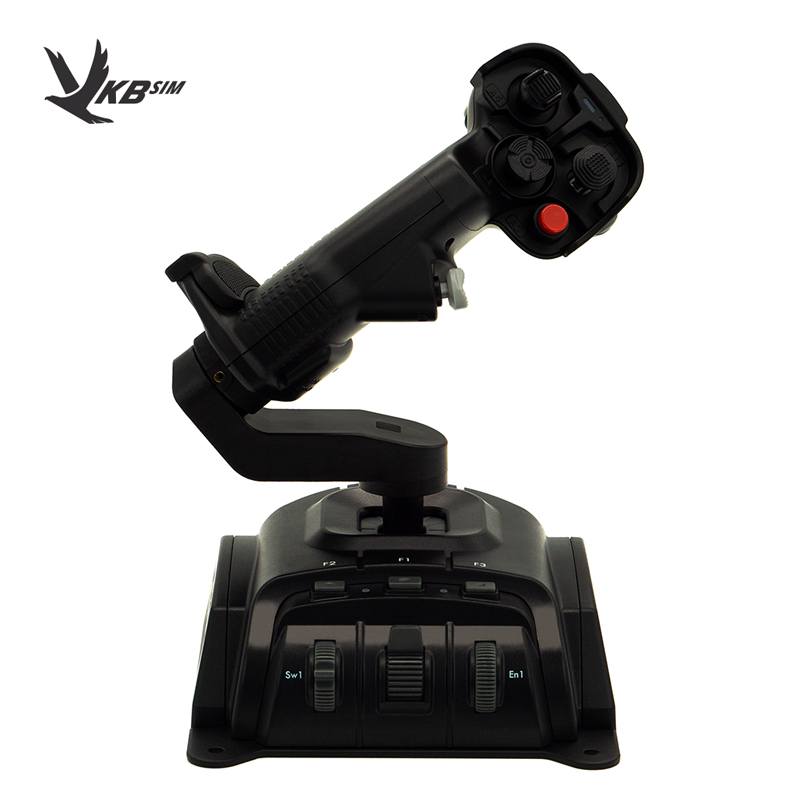
VKB NTX EVO Premium stick plus Thrustmaster TWCS throttle - Fully editable template (Photoshop/GIMP) plus my key binds (F-16). I really like this combination. The VKB stick is great. Updated to include .lua bind files.
License: Freeware - Free version, Unlimited distribution
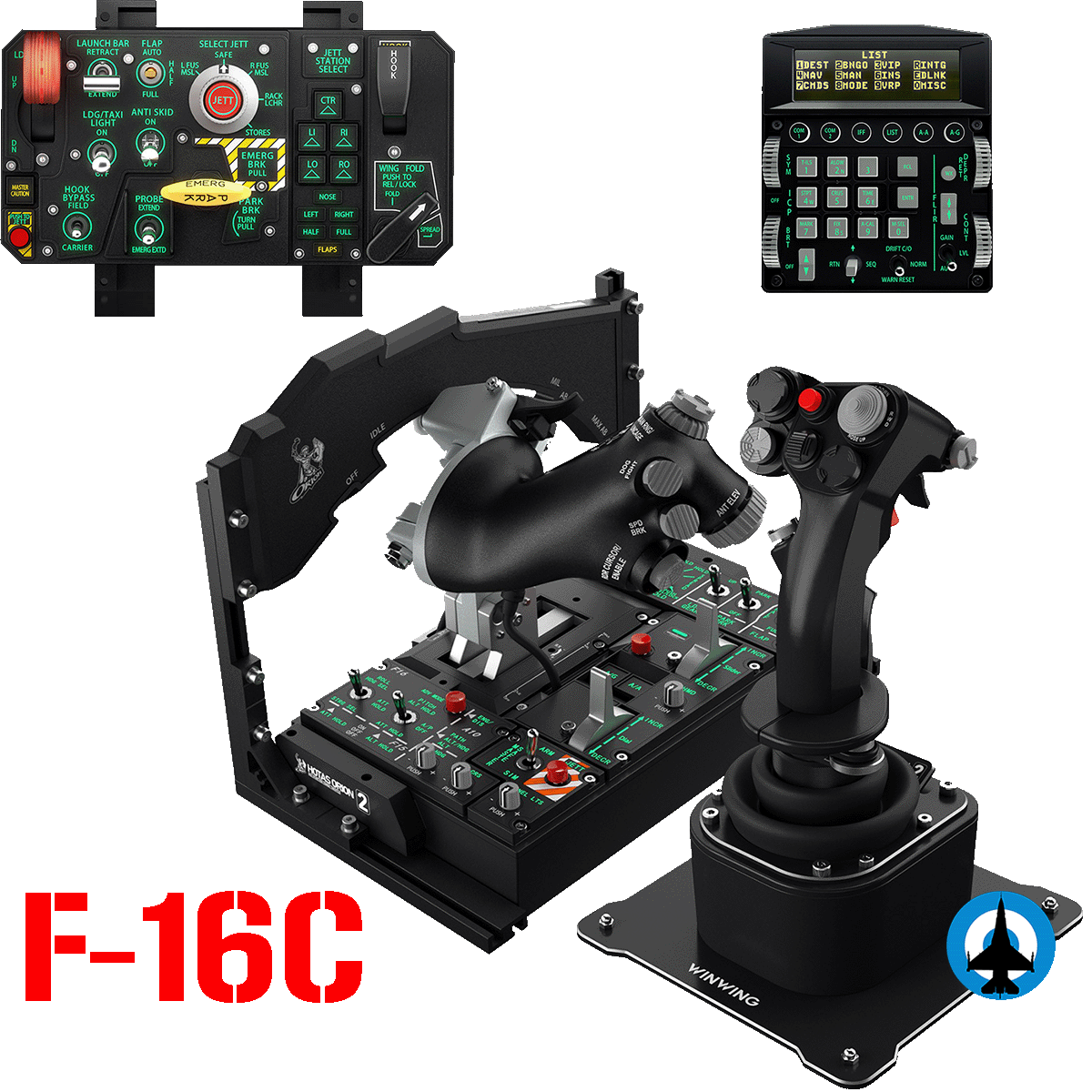
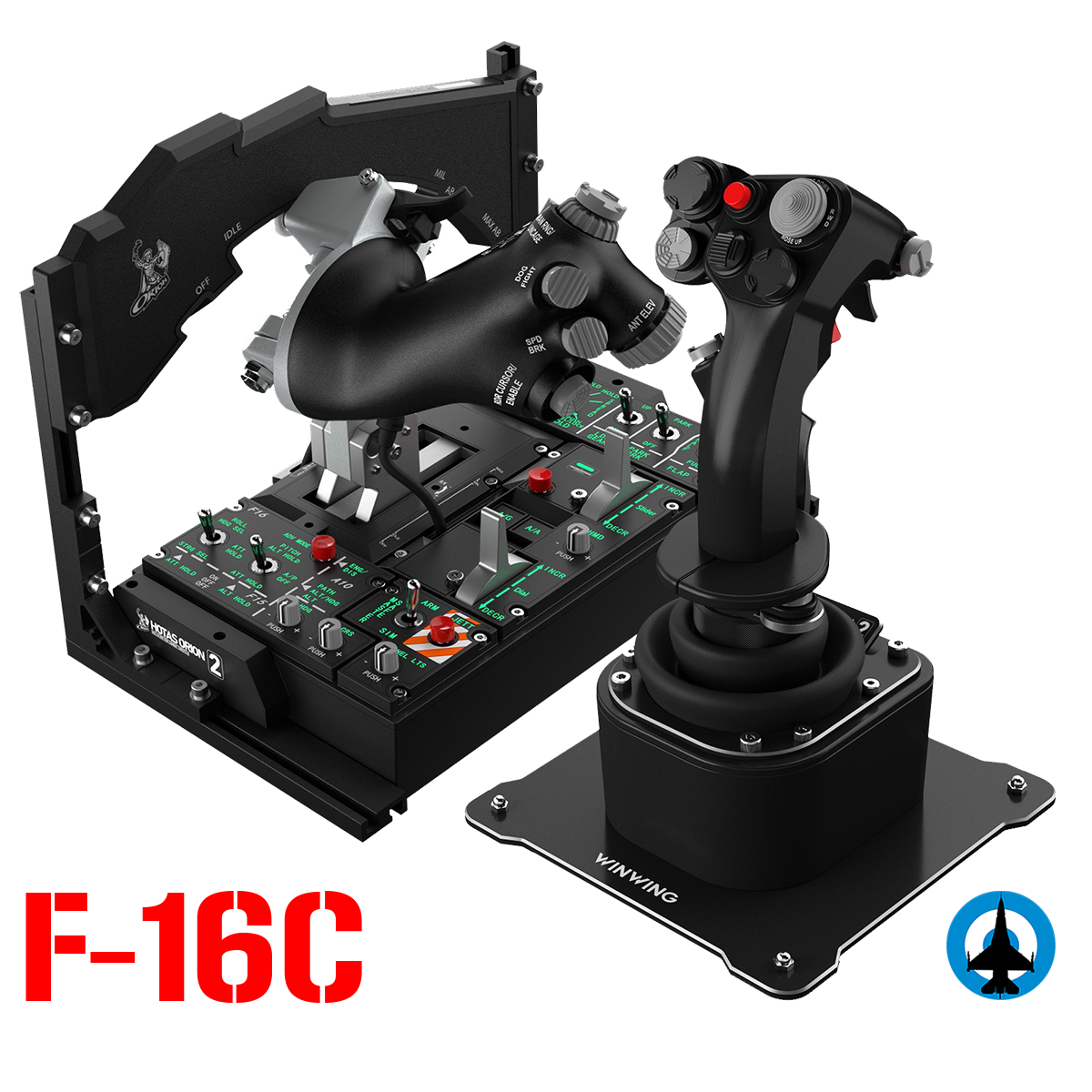
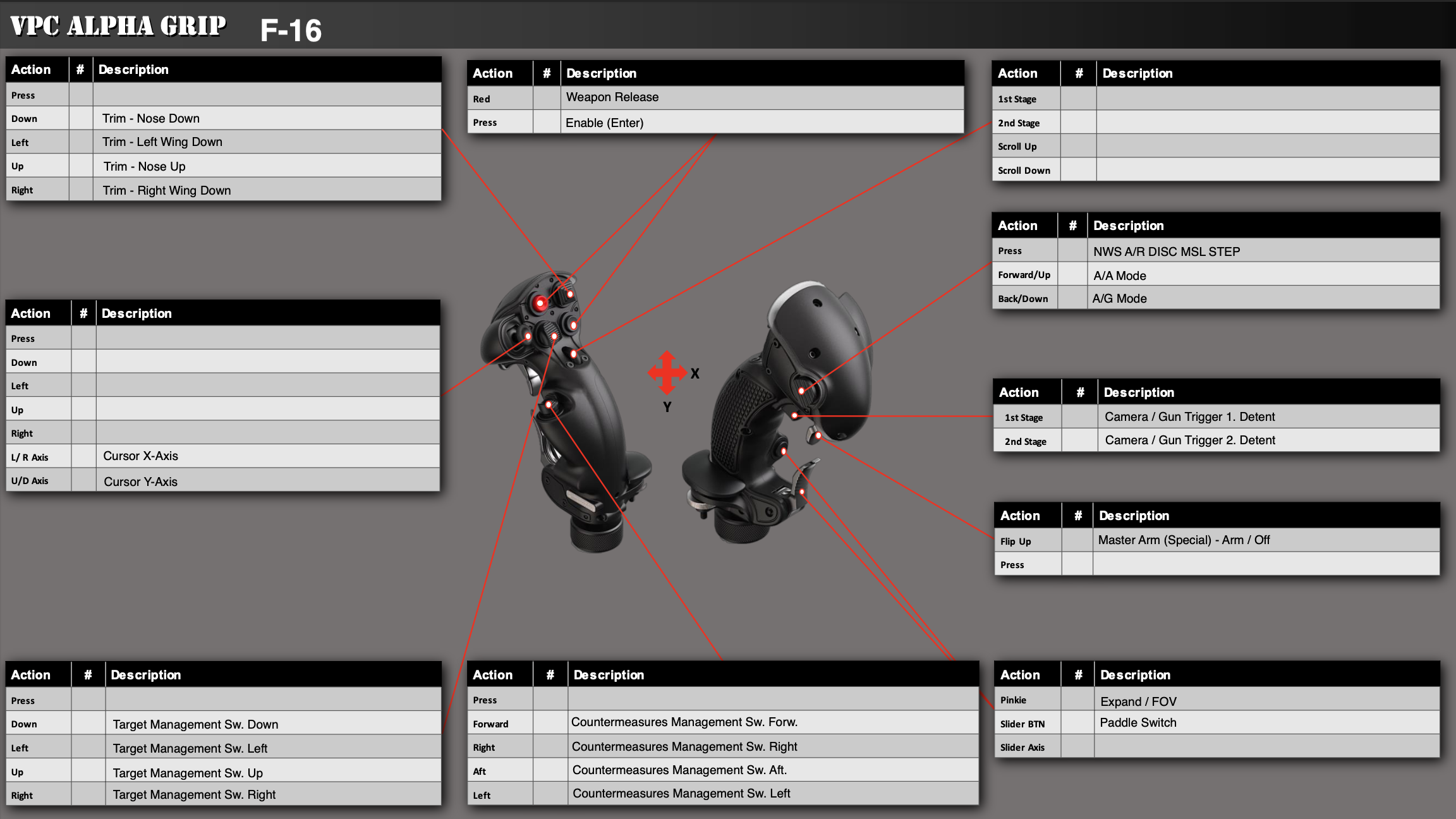
Configuration file for the F16C Using VKB's NXT EVO SCG premium sticks (Right standard and Left with OmniThrottle addon)
Tried to be as close as possible with the real counterpart, made some adjustments for practical purposes
License: Freeware - Free version, Unlimited distribution
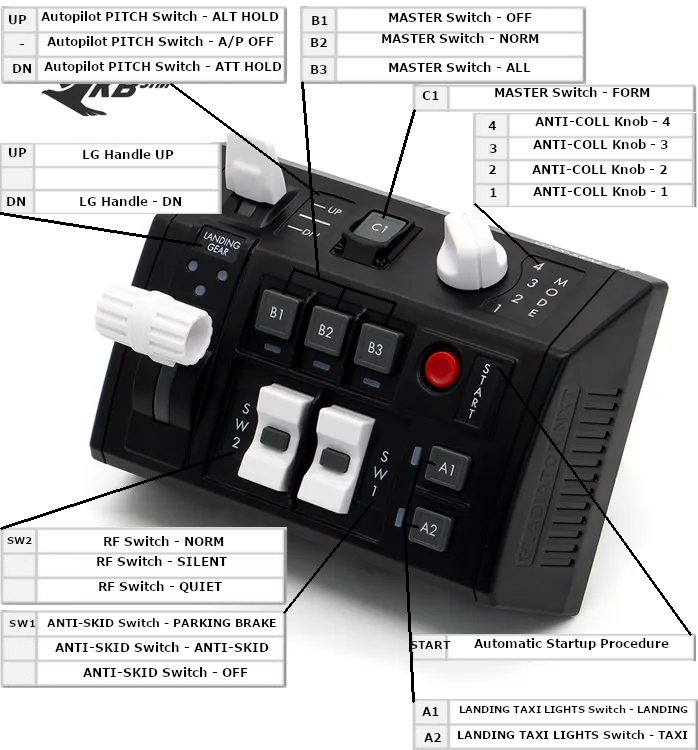
This is my VKB NXT SEM (Vertical) configuration for Falcon, if you need to quick start and then modify it to your need.
Simply unpack in C:\Users\...\Saved Games\DCS.openbeta\Config\Input\F-16C_50\joystick and then load the profile in DCS "Adjust Control" menu.
Thanks to user "sdchoni" from VKB Official Forum for providing the picture template.
License: Freeware - Free version, Do Not Redistribute
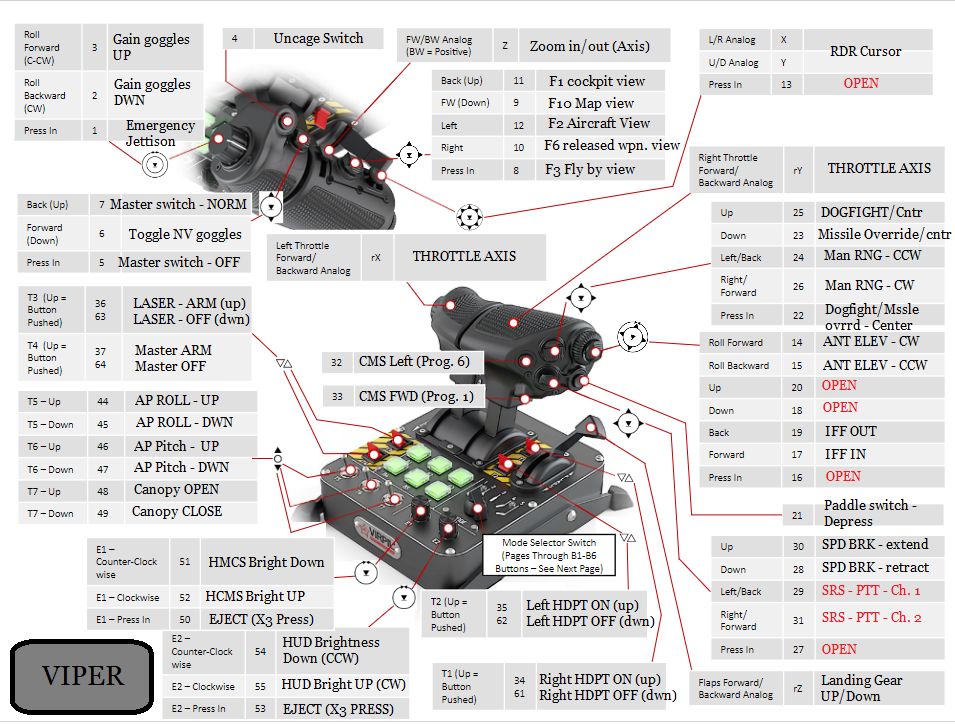
Control scheme for the F-16C In DCS. Current as of OB version 2.8.
* Requires some modification with Virpil keybind software in order to turn switches T1-T4 into two way switches.* Tutorial that I used is available here: https://www.youtube.com/watch?v=upaJPXOQWxU (Shoutout to Havoc Company on YouTube.)
License: Freeware - Free version, Unlimited distribution
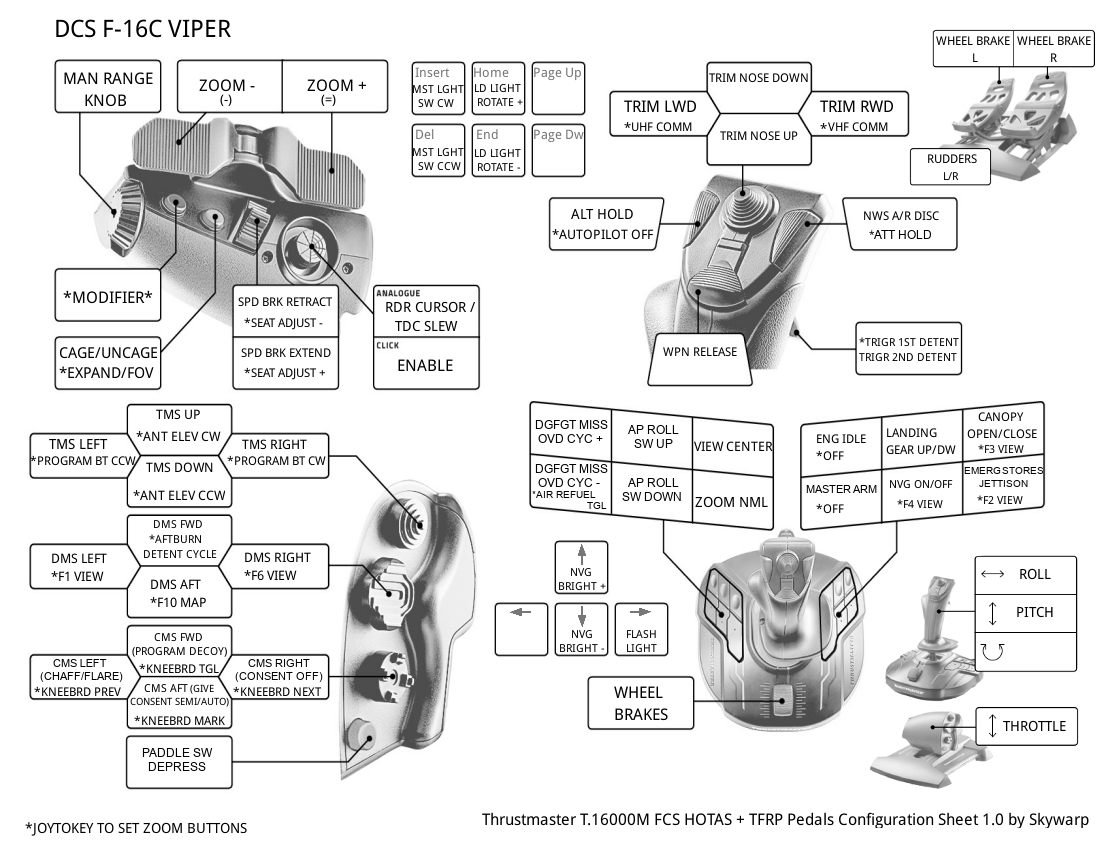
This is the files I use for my Logitech X-52. You will be required to run the Logitech software.
the .pr0 file gets put into C:\Users\Public\Documents\Logitech\X52
the keyboard.diff gets loaded into DCS controls menu.
License: Freeware - Free version, Unlimited distribution
We use cookies to provide you with a better onsite experience. By continuing to browse the site you are agreeing to our use of cookies in accordance with our Cookie Policy.
Found a typo? Select it with your mouse and press Ctrl+Enter.