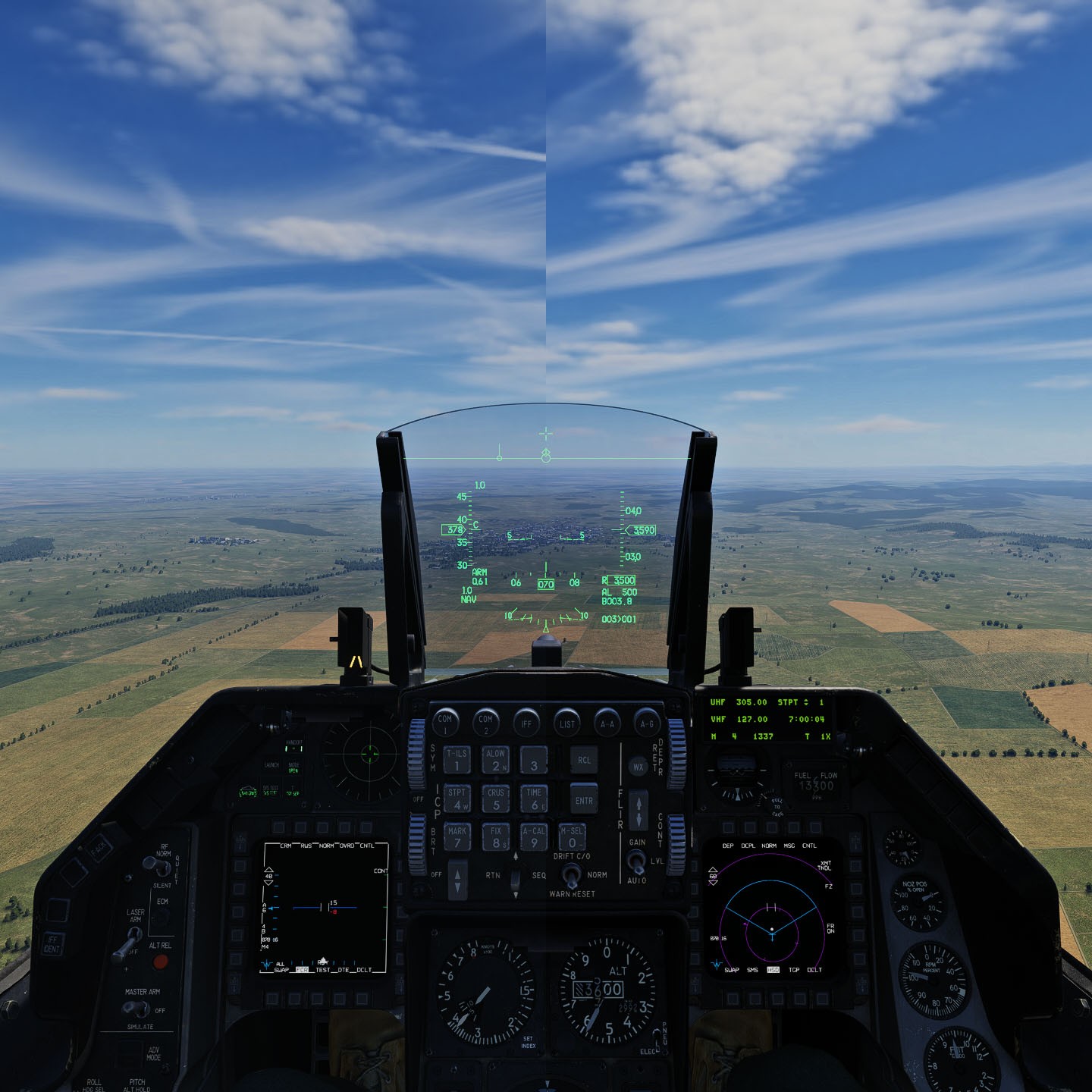
This mod cleans the haze and blur seen when looking through the new F-16 visor.
[Includes a Darker and Transparent option]
This Mod will break IC and may not work with VR!
This gives you the impression that you are looking through sunglasses rather than and a plastic visor.
Default: Clear with default tint
Darker: Clear with darker tint
Clear: Transparent with no tint
Note!
Unfortunately the only way I can find for the game to read these files is to install them in their original zip folder. If you know of anther way, please let me know.
I've not done this for you as every time ED makes an update to that folder this mod will break something or the folder will be missing something.
The good news is that its easy enough to do your self but you are going to have to do it after every update or repair.
To Install
Path: C:\Program Files\Eagle Dynamics\DCS World\Mods\aircraft\F-16C\Cockpit\Textures
[This must be done after every update or repair!]
1- Make a backup of your F-16C-CPT-TEXTURES.zip folder.
2- Drag and drop the following files in to F-16C-CPT-TEXTURES.zip folder.
Pilot_F16_Visor_sprt
Pilot_F16_Visor_sprt_Roughmet
To Uninstall
Overwrite with your back up of F-16C-CPT-TEXTURES.zip
You can use a mod manger by creating a folder your self that includes the latest F-16C-CPT-TEXTURES.zip with this mod inserted.
Again if you don't remember to update the folder you created for your mod manger after every update to the game, eventually it will break things!