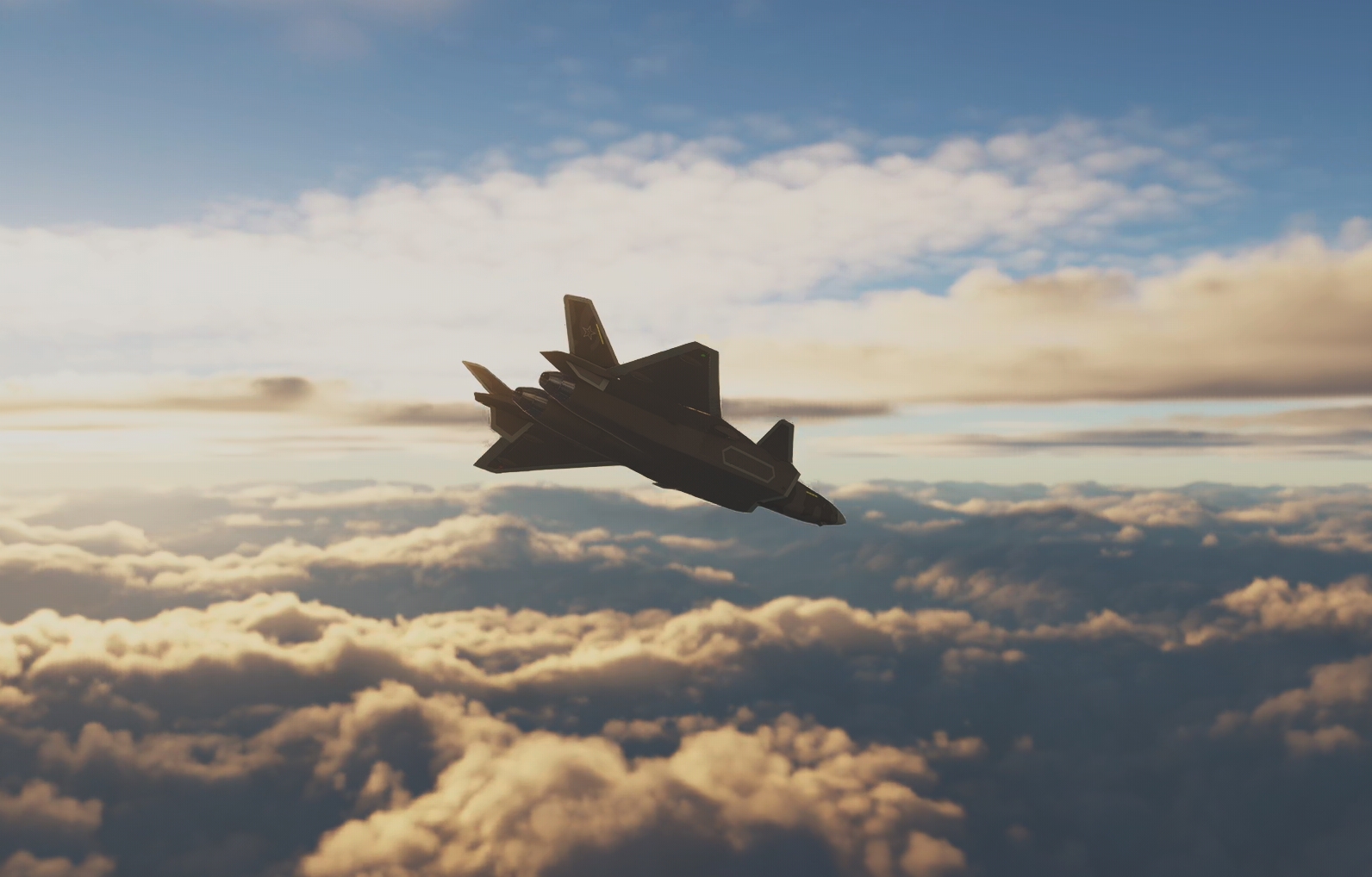
Updates for J-20A-and-C enhanced pack since July release.
J-20-A-and-C Enhance Pack Installation Guide
⚠️ This Enhance Pack is not a standalone mod. It is an add-on for the original J-20-A-and-C mod.
- Fresh Installation
1 Ensure the original J-20 mod is installed and functioning in DCS.You can download the base mod from:
DCS Forum: https://forum.dcs.world/topic/351326-j-20a-and-c/
2 Launch DCS and confirm the mod is working. Then, download this latest Enhance Pack.
If any issue or feedback, DCS Forum: https://forum.dcs.world/topic/374787-enhance-pack-for-j-20a-and-c-mod/
3 Unpack the Enhance Pack into the mod's folder and overwrite existing files.
You can ignore the .unused folder, and any ps1 powershell.
- Upgrade Installation
If you're already using a previous version of the Enhance Pack:
Simply unpack the latest version into the mod folder and overwrite all existing files.
Please visit https://forum.dcs.world/topic/374787-enhance-pack-for-j-20a-and-c-mod/ for more detail update description.
Demo video: "J-20增强包2025.08 最新开发展示 夜间CAP" https://www.bilibili.com/video/BV1vCh9zrE6u/
Main update:
1 RWR can display on HMD
2 Great improve acmlock
3 Introduced new HMD/HUD lock by crosshair
Fixed known issue.