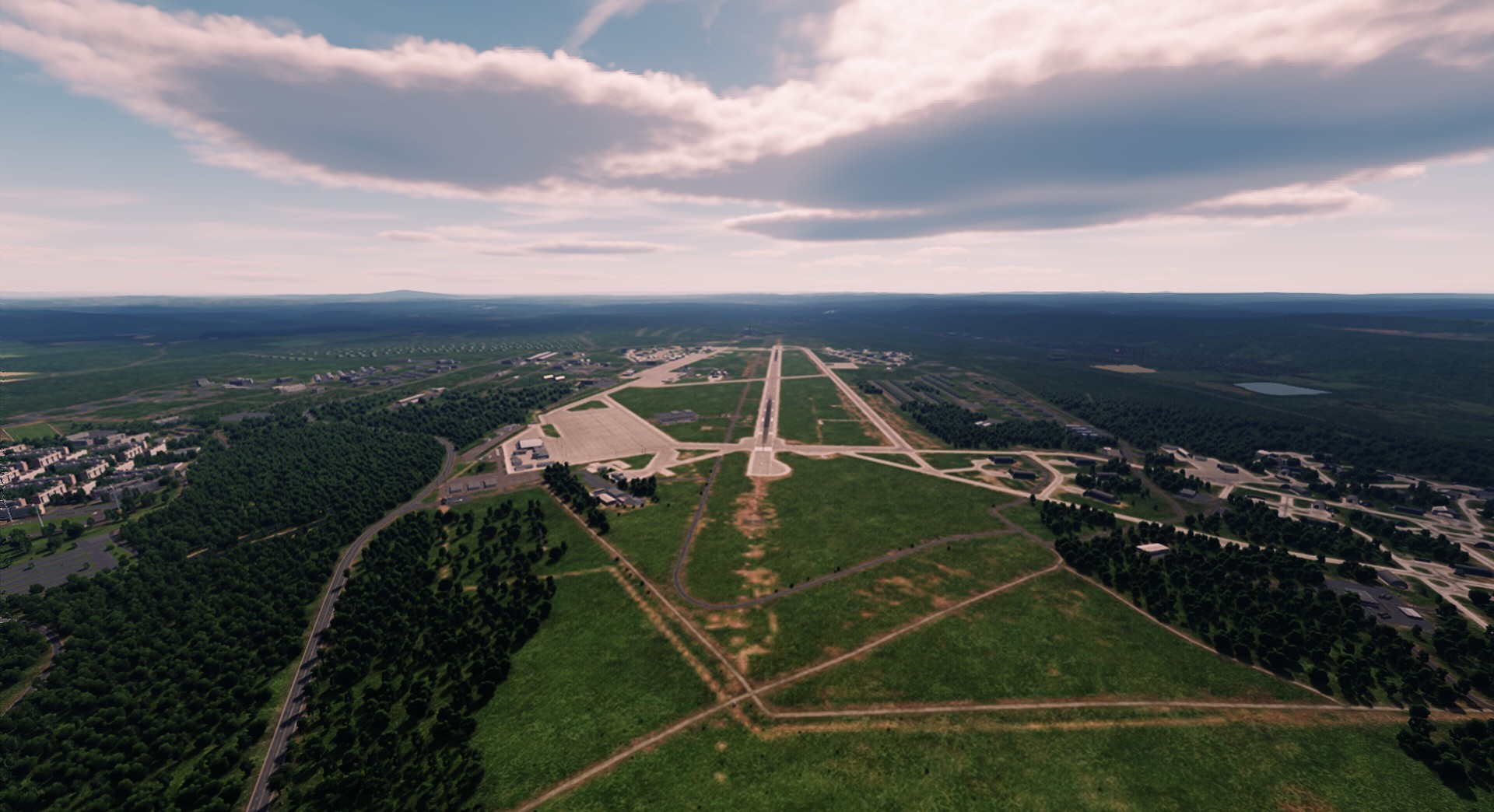
LUT presets helps to lower the pervasive cyan tint of the greens of some maps and can gives screenshots a warm and realistic vintage look.
This LUT is made of 19% of red tint and enhances the depth and beauty of the simulation on certain screens by adding a copper filter.
This also helps to lower the pervasive cyan tint of the greens of some maps and can gives screenshots a warm and realistic vintage look.
Gamma on the screenshots are set on 2.0, no reshade added.
+ Incredible bandit648's weather mod used in game.
To install:
Replace the and backup the original "colorLUT_tealOrange3" file in this folder: DCS World/Bazar/Effects/LUT/
Select the LUT Orange3 preset in game, in the graphic settings.
Enjoy!