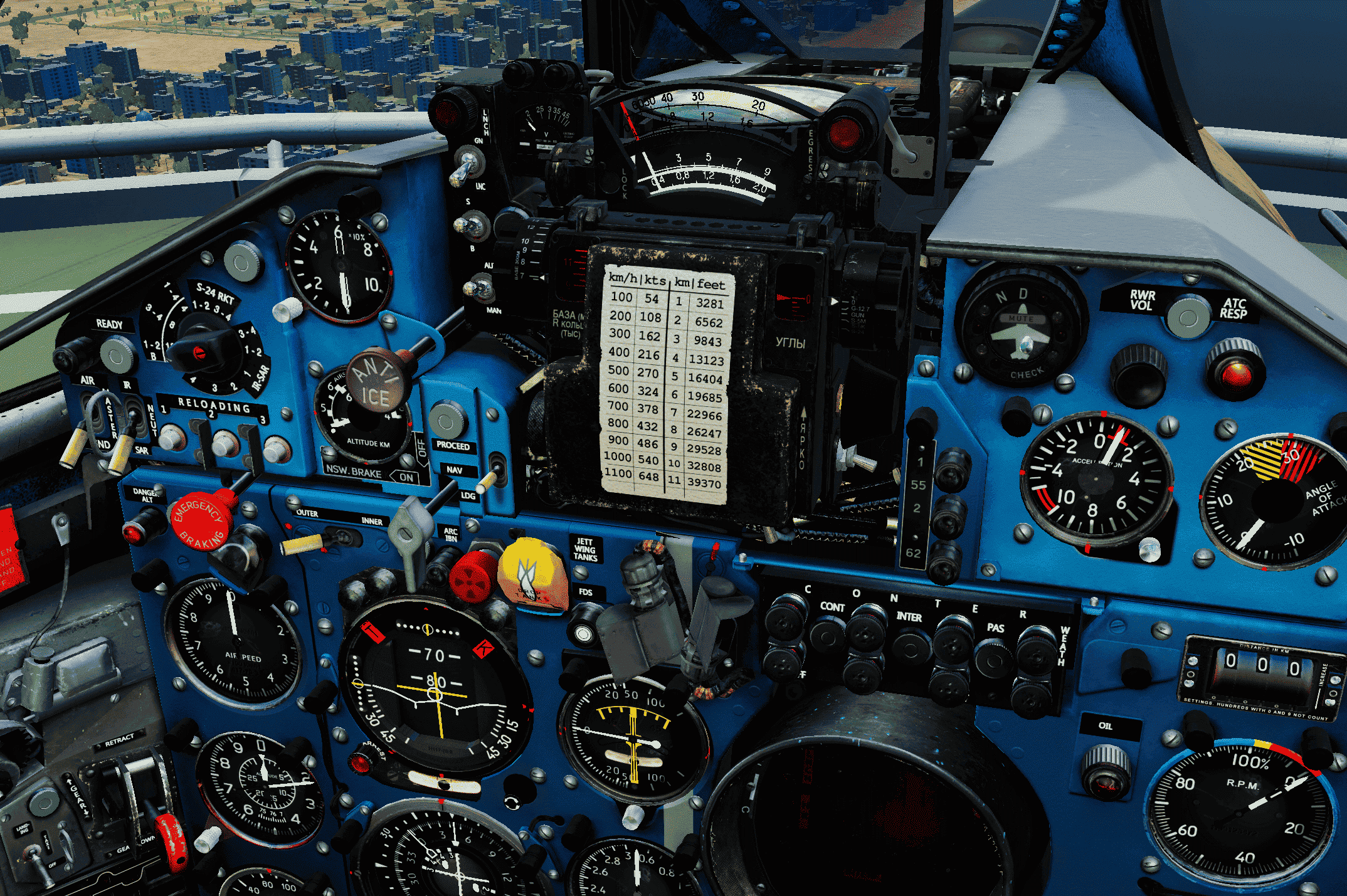
Version 2.0 of the gray-blue cockpit. Important changes: unit conversion table from metric to imperial. New colors for the pilot’s seat and cockpit floor, darker and closer to the overall cockpit color palette. The front panel now has a uniform color, except for the horizontal surfaces.
Installation: copy the Mods folder into the main game directory. Inside are two folders, Cockpit and Textures. It is important to replace both.
Make a backup of the previous files.
It is important to copy the contents of the archive with replacement, as many files you already have were removed to reduce the archive size.
Версия 2.0 серо-голубой кабины. Важные изменения: таблица единиц измерения из метрической в имперскую. Новые цвета кресла пилота и пола кабины, более тёмные, ближе к общей цветовой палитре кабины. Передняя панель имеет один цвет за исключением горизонтальных поверхностей Установка: скопировать папку Mods в основную директорию игры. Внутри две папки Cockpit и Textures. Важно заменить обе
Сделайте резервную копию прежних файлов Важно именно скопировать содержимое архива с заменой, многие файлы у вас уже есть, которые были удалены для облегчения архива