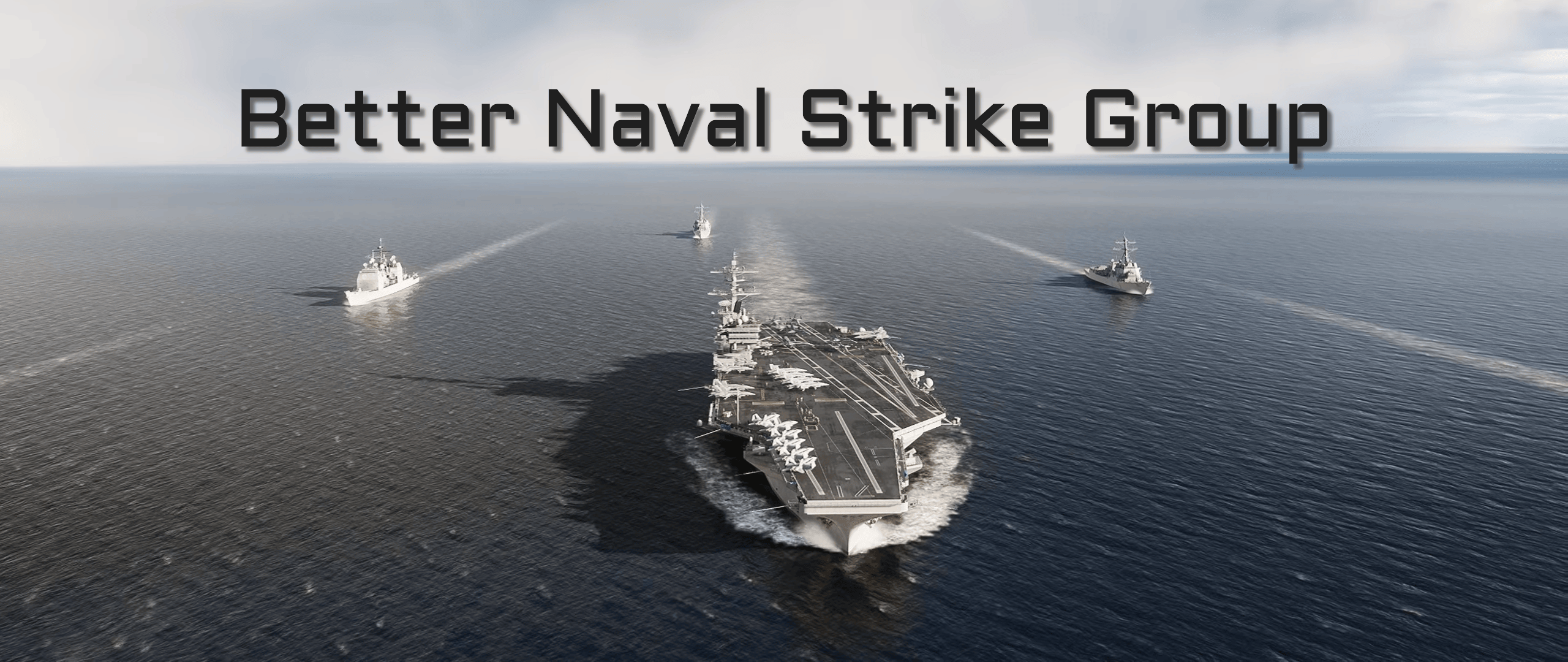
BNSG allows you to take control of the cruise missiles aboard your favorite destroyers and cruisers from the comfort of your ejection seat.
## How do I use BNSG?
Using the communication menu...
1. Sel ect "Naval Strike Group"
* You should see a list of the available ships capable of launching cruise missiles
3. Sel ect a ship fr om the list
4. Sel ect `Check Status` to see the inventory and whether or not it is available for tasking
5. Using the F10 Map, place a marker with the prefix "nsgt" and a number for each target you would like to launch at. For example, `NSGT1`, `NSGT2`, `NSGT3`, etc
* Default inventory is `22` cruise missiles
* Default simultaneous launch capability is `10`
6. Sel ect `Fire Cruise Missiles` to launch a Tomahawk at each of the markers you placed
* A Time-To-Impact is provided to you every 10 seconds using the updated telemetry data of each missile in the air
## How do I add BNSG to my missions?
BNSG has no external dependencies (MOOSE, MIST) so you can simply
1. Add a `trigger` on `Mission Start`
2. Add an `action` to `Execute Script`
3. Paste the contents of `bnsg.lua` in the script box
* Alternatively, you can `Execute Script fr om File` but you will need to save the `bnsg.lua` file locally