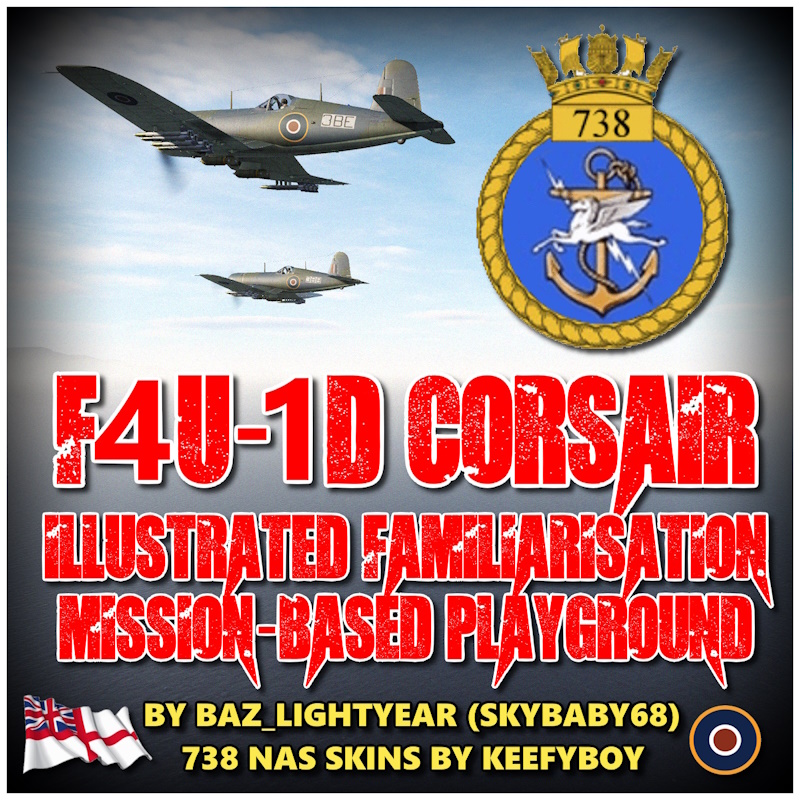
This is a wholly interactive & illustrated Mission-based Playground designed to teach/refresh the flying & operation of the F4U-1D Corsair. Plates will appear onscreen throughout every stage of the mission & will advance as soon as the correct action is performed (or the Stick Trigger is pressed when indicated).
It covers Airfield Startup, Taxi & Take Off, Landing & Shutdown as well as Carrier Take Off, Landing & Shutdown, Weapon readying & the use of the YEZB radio navigation.
The Mission includes a very basic airfield attack & all aspects of the flight tuition has been loosely influenced from Reflected Simulation's helpful Youtube series on the DCS Corsair.
You will need to install the Marianas WW2 Map & own the WW2 Assets Pack in order to play this.
Mission Plates & Triggers are set up for the 'Player 1' Aircraft so if playing in Single Player, always be sure to occupy 'Orote-Player-1' or 'Carrier-Player-1'. In Co Op, Player 2 will still get the Plates & Audio but timings will be determinded by the actions of the primary Player 1.
When asked to press the Trigger to advance Plates, Press & 'Hold' until the Plate advances.
When back tracking up the runway at Orote airfield, for take off, always stick to the grass because if you stray onto the runway & an A.I. aircraft is back tracking up the runway also, it will stop dead, thinking the runway is active, but it will not vacate the runway, it will just remain motionless until it deems it is clear once again.
There is currently no A.I. wingman if taking off from the Carrier.
**USEFUL MISSION INFORMATION**
Orote Airfield Operations.
Use Runway 29 (291 degs) for Take Off
Use Runway 11 (111 degs) for Landing.
This avoids having to fly a low landing approach directly over the Barracks.
Carrier Identifier: 'BP'
Carrier Fixed Channel: 4
Carrier Speed: 12 kts
Carrier Course Bearing: 30 degs
Rota Island Bearing from Carrier: 092 degs
Rota Island Distance from Carrier: 42 nm
Rota Island Bearing from Orote: 040 degs
Rota Island Distance from Orote: 57 nm
**INSTALLATION**
Once unzipped, Place the 'F4U-1D Corsair Familiarisation Mission' MIZ File in your Missions Folder.
(your username > Saved Games > DCS.openbeta (or similar) > Missions
The skins, in zip 'Corsair_Mk II_Pack_738_NAS_FAA_B_E'are already & conveniently set up for use with JSGME & similar.
To install the skins manually, unzip & drop the 3 '738' liveries folders into the F4U-1D_CW folder
(DCS > CoreMods > aircraft > F4U-1D > Liveries > F4U-1D_CW)
The skins are obviously optional but the mission has been written around the Royal Navy's Fleet Air Arm Naval Air Squadron & these are historical liveries lovingly created by DCS Forum Member 'keefyboy' & if the skins aren't installed, DCS will use default skins.
keefyboy has kindly given me permission to use his wonderful skins on this mission. I have only included 2 however, to keep the download size down but the entire pack can esily be found on here.