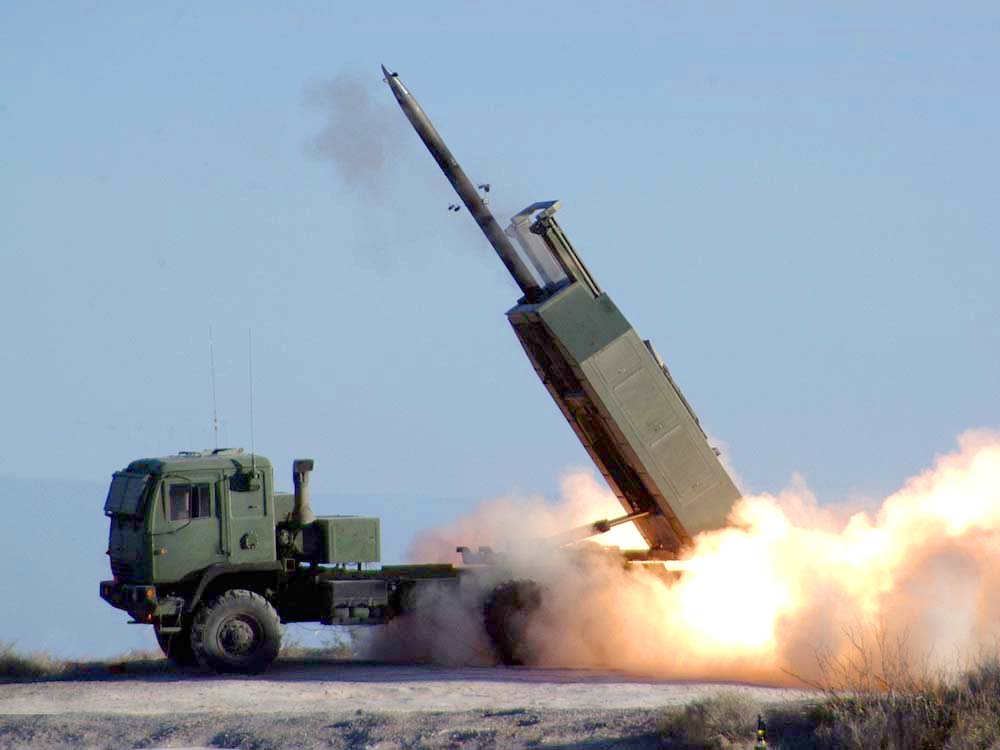
The StrikeFire script lets mission creators and GCI/JTAC controllers task friendly launchers via F10 map markers to strike nearby enemy ground/static targets.
It enforces one round per target, validates realistic range envelopes per missile family, and throttles engagements to prevent AI lockups.
Quick H-*/K-* spawns are included, plus a one-click CLEAN command to remove all units spawned by this script.
Forum post: https://forum.dcs.world/topic/378093-strikefire-remote-ground-strike-himars-iskander/#comment-5685350
How to Use (3 Steps):
1. On the F10 map, mark a point near the enemy you want to strike and type **[FIRE]** (also works with FIRE).
2. Ensure the target is within valid range (HIMARS: 8–160nm / Iskander: 40–215nm).
3. Watch the launchers automatically fire at the designated target!
Features:
- Marker-driven tasking: place [FIRE] (or FIRE) on F10 map to automatically scan within SEARCH_RADIUS (default 3000m) and dispatch eligible launchers.
- One round per target, with deduplication for clustered units.
- Range enforcement:
* HIMARS GMLRS/ATACMS: 8–160 nm
* Iskander (ISK): 40–215 nm
- Quick spawn formations (H-*/K-*) with independent groups including supply trucks.
- CLEAN command to remove all units spawned by the script.
- Configurable parameters: SEARCH_RADIUS, FIRE_RADIUS, MAX_BATTERY, DEBUG.
Installation:
- In Mission Editor → Triggers → MISSION START, add the StrikeFire.lua script (or paste via Do Script).
- No external dependencies, compatible with dedicated servers.