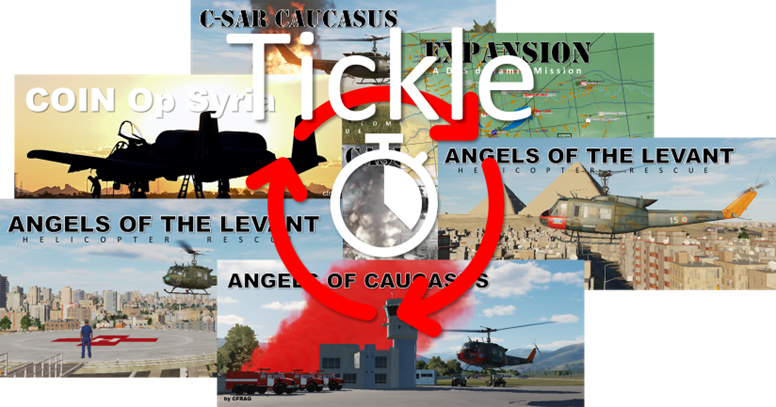
“Tickle” - V1.1.0 - 20240930
Automatically rotate multiplayer missions on a server
WHAT IT IS
“Tickle” allows owners of Eagle Dynamic’s DCS servers to
• automatically rotate missions in your 'server playlist' on a time basis (e.g. after 4 hours) and
• allow specially authorized players to interactively (via mission chat) change the currently running mission
In other words, Tickle allows you to set up your server to rotate the missions in your server's ‘mission play list’ every e.g. two hours. When active, the server changes the active mission every 2 hours to another mission from that play list. This can help you to keep your server ‘fresh’ for you and your players by serving up ever-changing missions automatically.
For example, I used Tickle to set up a ‘helicopter’-themed server to cycle between six helicopter rescue sandboxes and change the active mission every 240 minutes (4 hours).
Also, server owners (and players who are authorized) can interactively change the currently playing mission simply by issuing chat commands (this requires the authorized person be on-line and inside the game).
INSTALLATION
Installation is once-only, and drag-and-drop:
1. Put the file tcliGUI.lua into your <saved games>DCS/Scripts/Hooks folder
2. Restart DCS
[Tickle is fully dedicated server compatible, and was tested with Fox3 server hosting services (no affiliation except being a happy customer)]
AUTHORISING PLAYERS
Read the manual that comes with Tickle. Very simple to do, but boring. Requires a text editor like Notepad and some 30 seconds of your time.