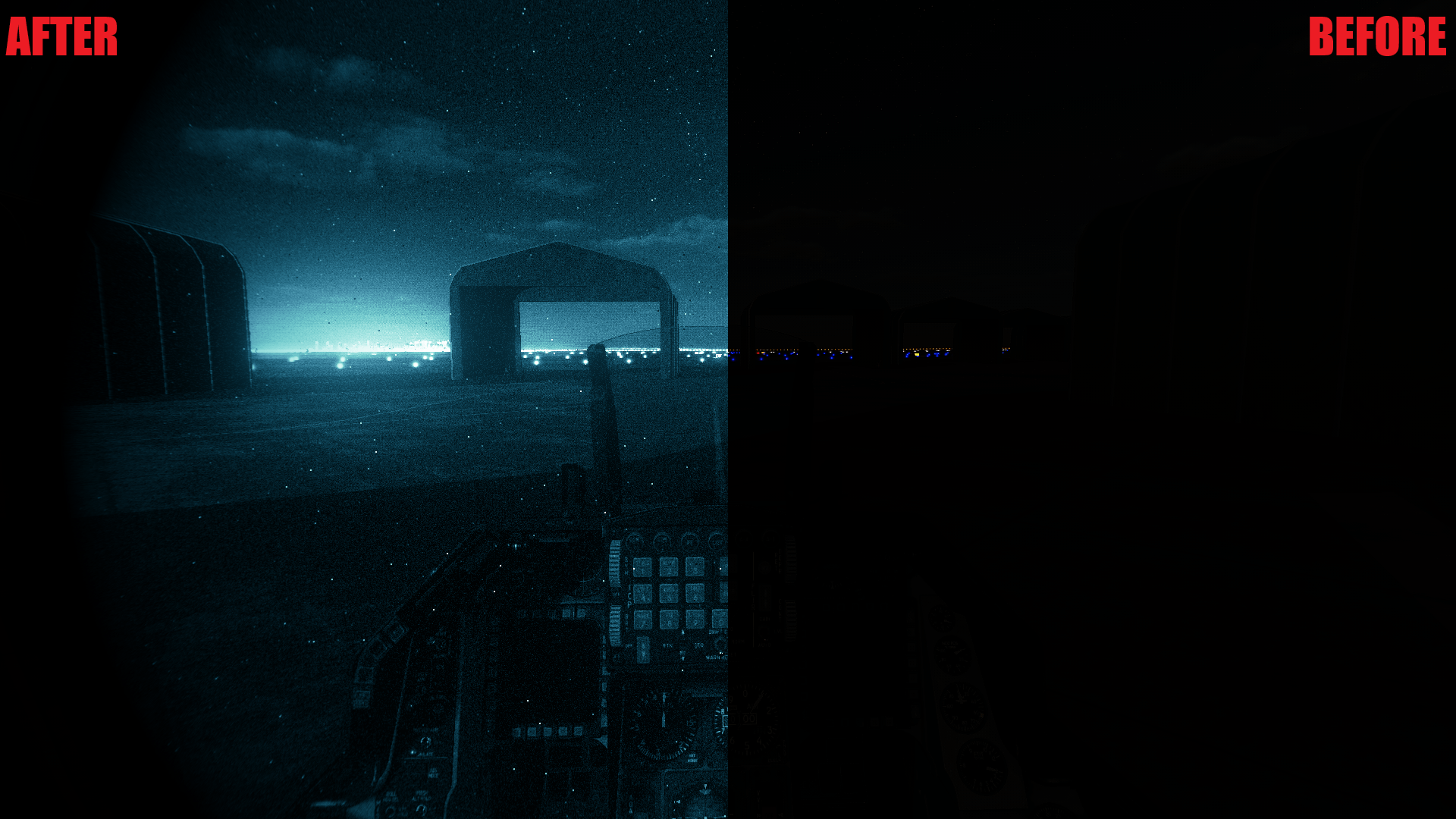
Current options:
•Green phosphor
•White phosphor
•Both available in single, dual, and quad tube configurations
Made by 494th and _pradyun on Discord
Keybinds for Use:
N – Toggle night vision
I – Toggle thermal overlay (NOTE: Visual only, not functional)
Installation Instructions:
1. Extract the files.
2. Move all files in the reshade-shaders\shaders and reshade-shaders\textures folders to your ReShade reshade-shaders shaders and textures folders, located in:
C:\Program Files\Eagle Dynamics\DCS World\bin-mt (for multithreading)
or C:\Program Files\Eagle Dynamics\DCS World\bin (for non-multithreaded)
3. Move the preset(s) (.ini files) to a desired location, e.g., a ReShade Presets folder you created.
4. Launch DCS World and open the ReShade overlay (default key: Home).
5. In the dropdown at the top, find the folder where you moved the presets.
6. Select the preset you want to use and click Select.
7. Enjoy!
ReShade installation instructions included in the readme file.
Notes:
• Since it is through ReShade, no game files are affected meaning IC will be passed.
• These presets also include a photorealistic preset for daytime use (when night vision is not toggled).
• To disable the photorealistic effects, disable and unbind these effects in the ReShade overlay: HDR, LumaSharpen, Levels, Vibrance.
• To use the photorealistic preset, make sure that Load only enabled effects is turned off in the ReShade overlay settings.
• Night vision may cause performance issues when toggled. This is most severe in quad configurations.