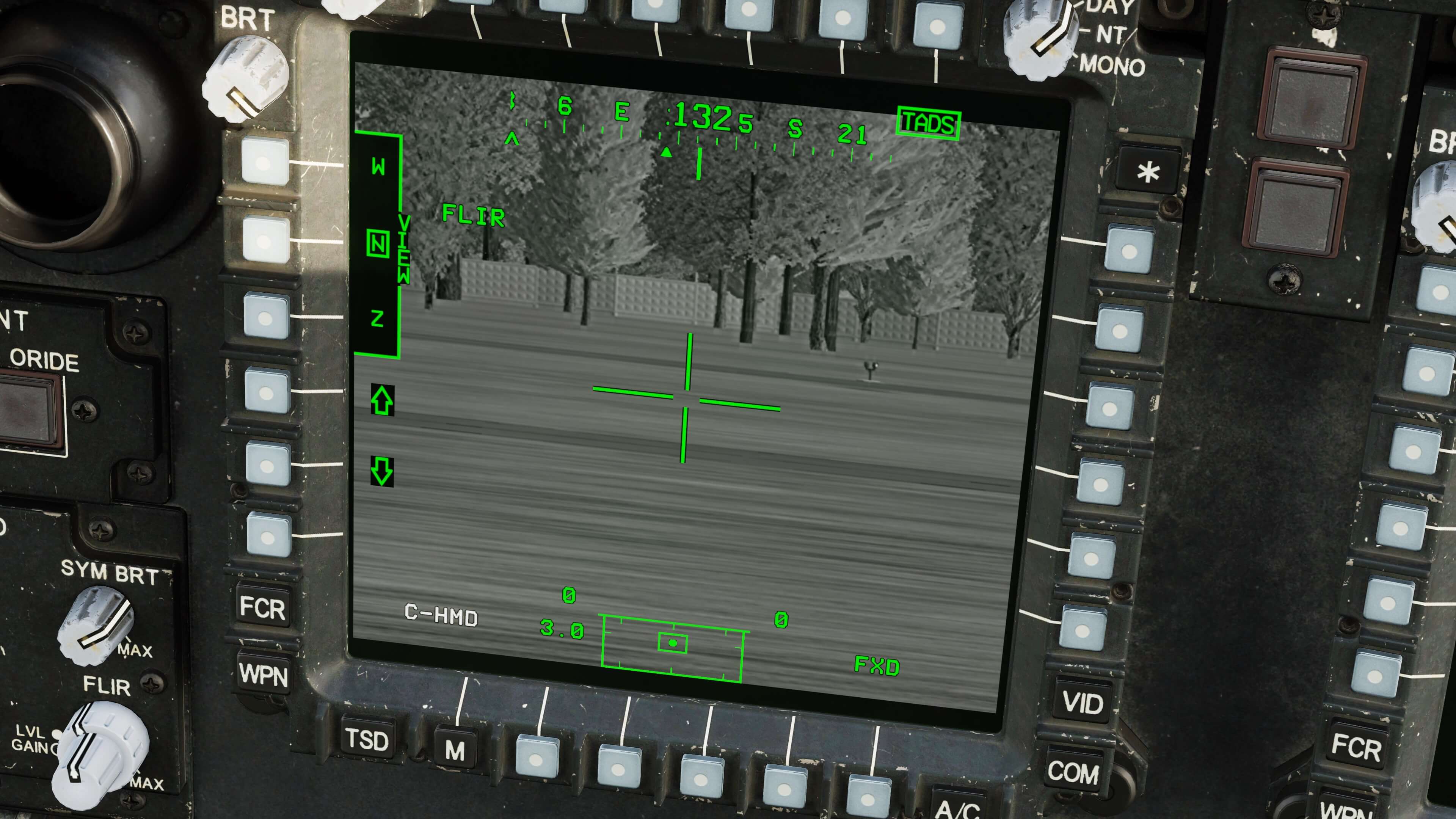
This basically just allows you to use the TADS FLIR/TV select, as well as zoom levels, from the pilot seat. Extremely helpful when flying with George, since you currently can't tell him to zoom or change modes. You can find the controls in the pilot section under categories "Custom" and "TEDAC".
OVGME ready.
Takes the default.lua file for the Pilot, and just adds the following lines:
{cockpit_device_id = 51, down = 3032, up = 3032, value_down = 1.0, value_up = 0.0, name = _('LHG TADS FOV Switch - Z (Zoom)'), category = {_('TEDAC'), _('Custom')}},
{cockpit_device_id = 51, down = 3033, up = 3033, value_down = -1.0, value_up = 0.0, name = _('LHG TADS FOV Switch - M (Medium)'), category = {_('TEDAC'), _('Custom')}},
{cockpit_device_id = 51, down = 3034, up = 3034, value_down = -1.0, value_up = 0.0, name = _('LHG TADS FOV Switch - N (Narrow)'), category = {_('TEDAC'), _('Custom')}},
{cockpit_device_id = 51, down = 3035, up = 3035, value_down = 1.0, value_up = 0.0, name = _('LHG TADS FOV Switch - W (Wide)'), category = {_('TEDAC'), _('Custom')}},
{cockpit_device_id = 51, down = 3092, value_down = 1.0, name = _('LHG TADS Sensor Select Switch - FLIR'), category = {_('TEDAC'), _('Custom')}},
{cockpit_device_id = 51, down = 3092, value_down = 0.0, name = _('LHG TADS Sensor Select Switch - TV'), category = {_('TEDAC'), _('Custom')}},