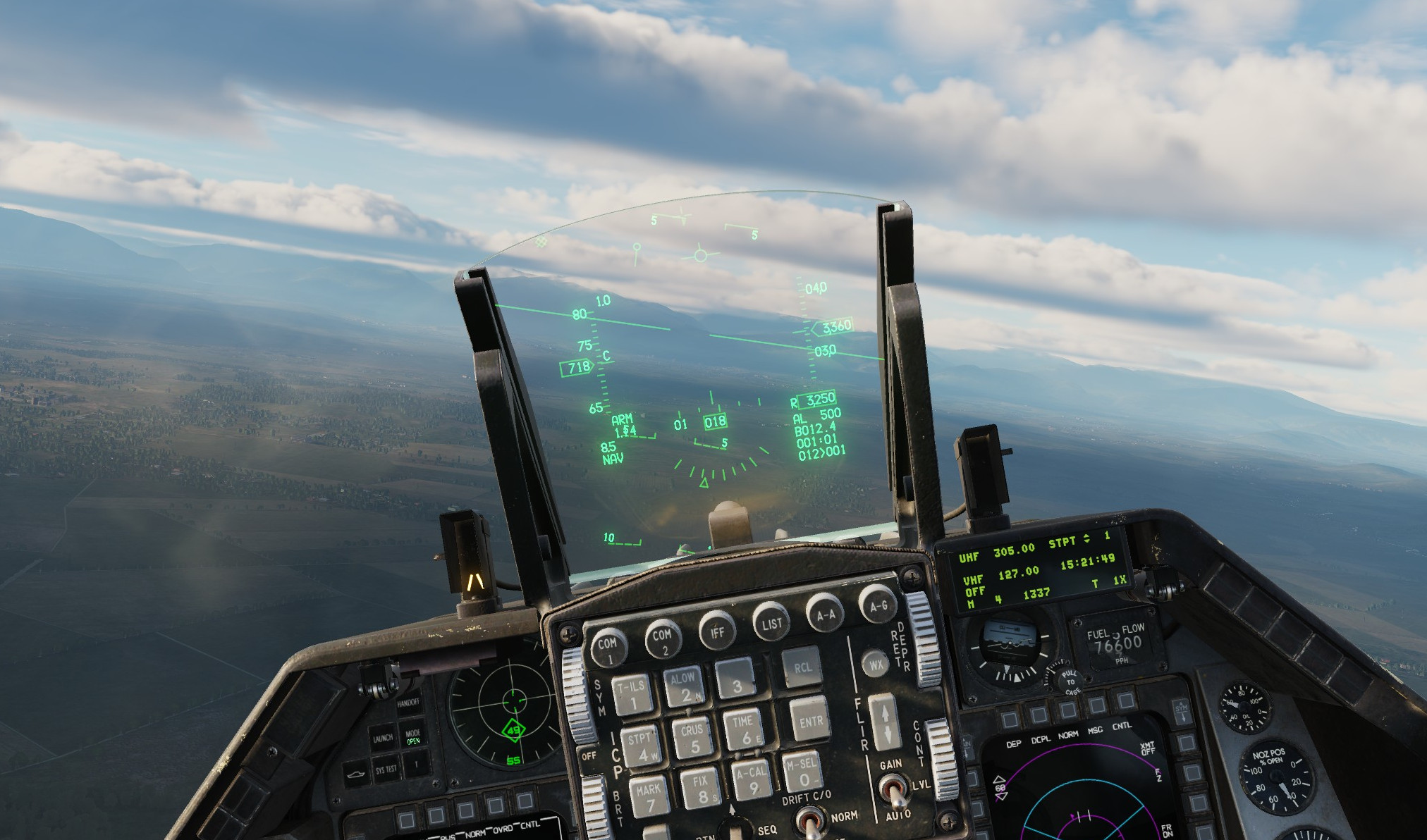
This mod adds more variety of brightness intensity and color of the HUD.
F/A-18C version here: https://www.digitalcombatsimulator.com/en/files/3328256/
UPDATE 14/07/2023: Slightly increased luminosity of symbology
UPDATE 17/05/2025: Updated to work with the latest DCS version
UPDATE 26/07/2025: Updated to work with the latest DCS version (Sniper pod)
More Info on the .lua files in case you want to tweak the HUD to your preference:
Using Notepad++ you can edit folowing:
SYMBOLOGY thickness:
StrokesDefs.lua in F-16_HUD\Mods\aircraft\F-16C\Cockpit\Scripts\Displays\Common\indicator
There are just two lines, edit both numbers
FONT thickness:
fonts.lua in F-16_HUD\Mods\aircraft\F-16C\Cockpit\Scripts
line 14 and 15 (thickness / fuzziness)
SYMBOLOGY / FONT colors and luminosity:
materials.lua in F-16_HUD\Mods\aircraft\F-16C\Cockpit\Scripts
There are usually 4 numbers, the first three are RGB values and the last one is luminosity (keep in mind the luminosity is also influenced by the thickness)
Symbology can be edited on the line 24 -> materials["HUD"]
Font on the line 54 -> materials["CMDS_GREEN"]
*In the vanilla game the font and the hud uses the same material, here I separated them, creating font from "CMDS_GREEN" material.
Installation:
JSGME ready, place the F-16_HUD folder in your _MODS folder.
If you have any questions, contact me via forum:
https://forum.dcs.world/topic/316443-hornet-viper-hud-edits-info-how-to-tweak-to-preference/#comment-5122869