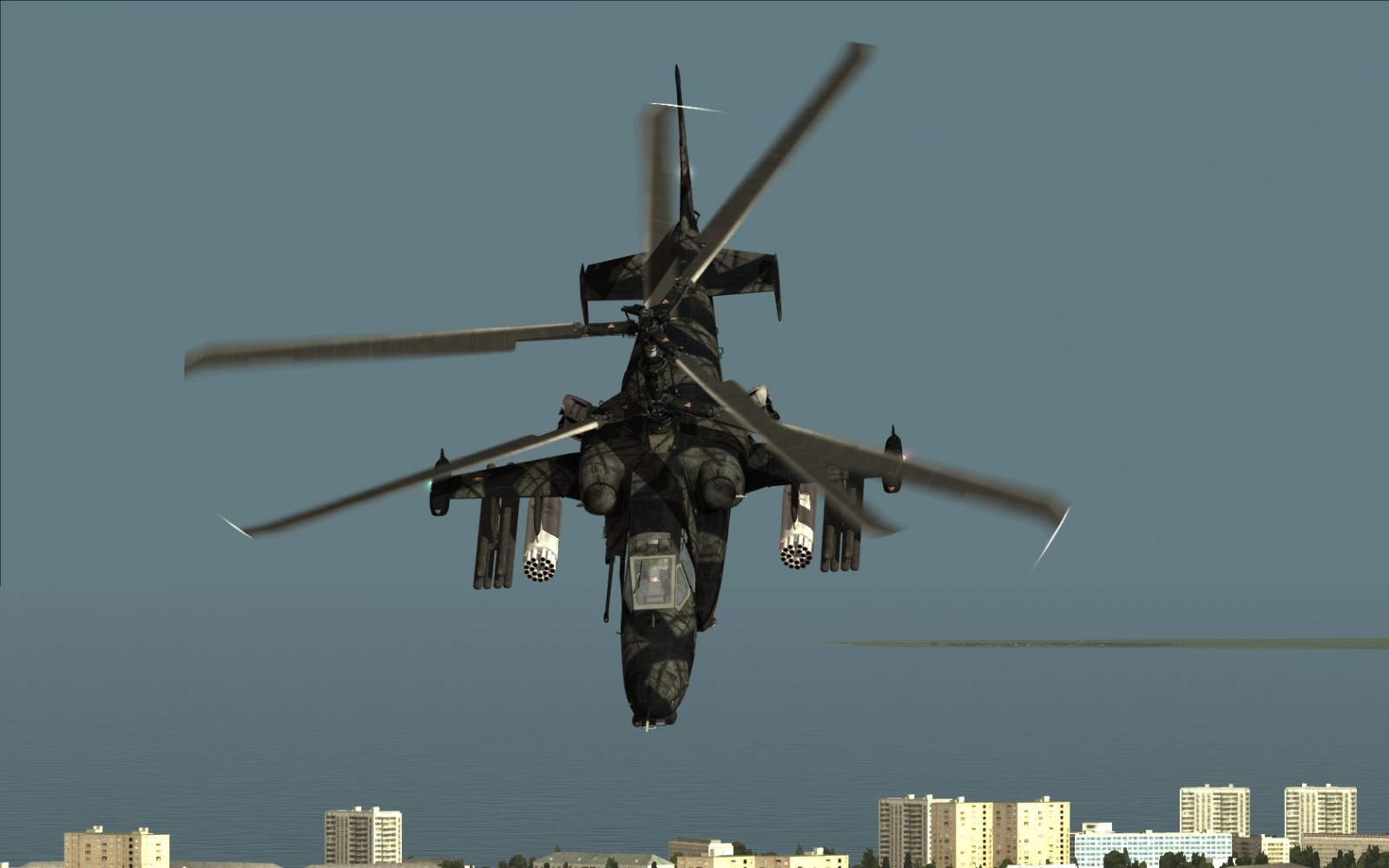
This is fictional DCS: BS2 Russian spec. OPS skin, originally created for BS1 by Crazydick.
This is the instruction how to install DCS: BS2 Fictional Russian spec. OPS skin
To install RusSpec OPS skin:
Unpack rar package, copy the zip package Ka-50_RusSpecOPS.zip (don't unzip it) to the installation directory -> Bazar\World\textures
e.g.
C:\Eagle Dynamics\DCS Black Shark 2\Bazar\World\textures
Entire folder that contains the file description.lua, with the name of skin (RusSpecOPS) copy to the Liveries.
e.g.
C:\Eagle Dynamics\DCS Black Shark 2\Bazar\Liveries\ka-50
Don't do it wrong and copy only description!
Before any changes - you make a backup file that you will edit.
With Notepad ++, open the Eagle Dynamics directory and find BS2/Config/Graphics.cfg
e.g.
C:\Eagle Dynamics\DCS Black Shark 2\Config\Graphics.cfg
find:
VFSTexturePaths
{
and after
path = ".\\Bazar\\World\\textures\\Ka-50_Fictional_Denmark_Navy_Trainer";
add this
path = ".\\Bazar\\World\\textures\\Ka-50_RusSpecOPS";
Save and exit.
You can select the RusSpec OPS skin in the Mission Editor. Select your chopper, -> go to Payload, -> Paint scheme -scroll down in the list, you can find and select it.
All credits for making this skin belong to Crazydick, I just adapted it for use in BS2 (v. 1.1.1.1)
Enjoy
=4c=Grom